 Volvenix
Eagle Review — Visual Asset Organization
Eagle helps designers organize images and creative files into searchable libraries with tagging and folders.
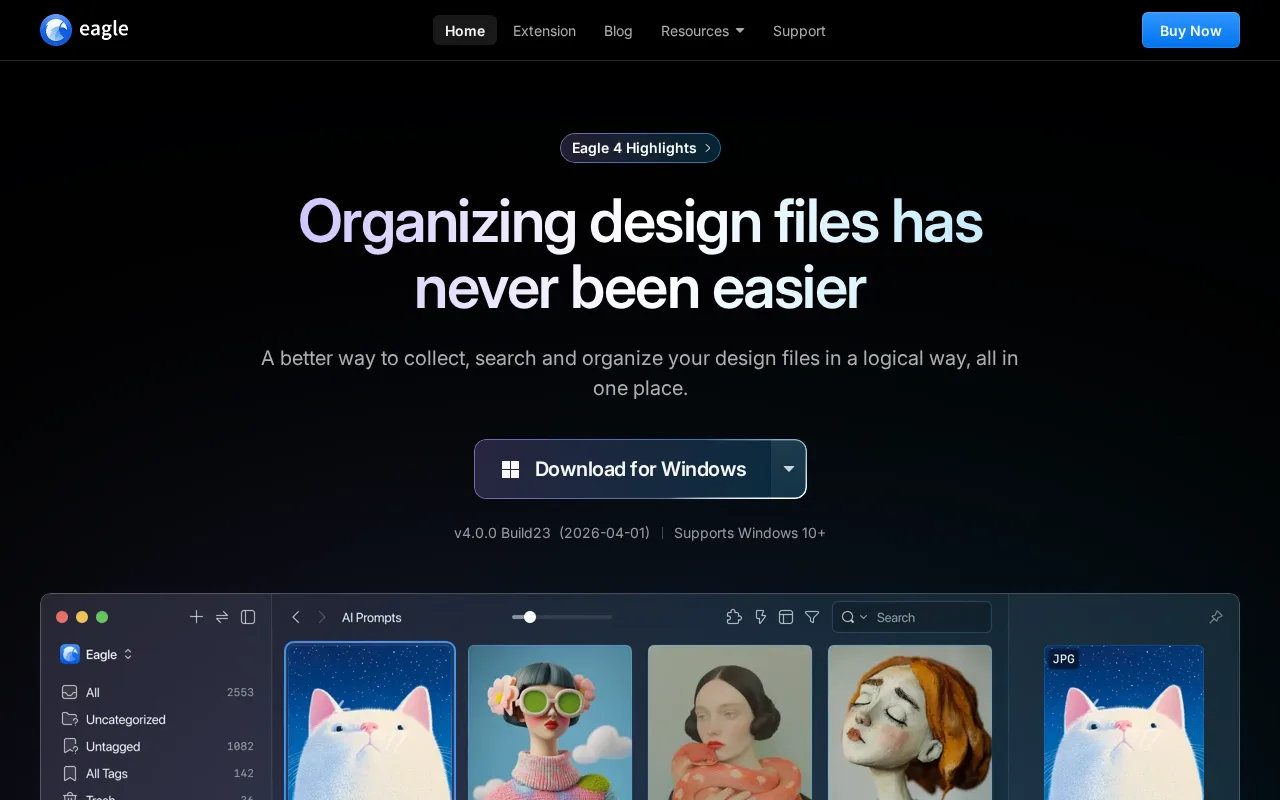
A solid asset organizer tailored for designers needing better visual file management.
- Intuitive tagging and folder system for visual assets
- Fast desktop app with offline access
- Supports a wide range of image and creative file formats
- Limited collaboration features for teams
- No deep integrations with popular design tools
Is Eagle Right for You?
A quick checklist to help you decide.
Ideal for: Designers or small creative teams who need a dedicated tool to organize and quickly retrieve visual assets locally.
Less suited for: Large teams requiring real-time collaboration or integration with design software should consider other tools.
Bottom line: How well it organizes and enables fast retrieval of diverse design assets using tagging and folders.
AI-assessed from 3 sources.
Pros
Cons
Free
Best for individuals
- Basic asset organization
- Limited tagging and folders
Pro
- Unlimited tagging and folders
- Priority support
Team
For small teams
- Team collaboration features
- Shared libraries
Offers a free plan with basic features and paid plans for advanced features and team use.








What is this tool?
How much does it cost?
Does it have a free plan?
What integrations does it support?
Who is it best for?
No reviews yet. Be the first to review Eagle!
Scores are calculated algorithmically from feature coverage, pricing, user feedback & benchmark data — not influenced by commercial relationships. How we score → · Vendor Data Policy