 Volvenix
Curipod Review — Interactive Lesson Creation
Build engaging, interactive lessons with polls, drawing tools, and AI image generation.
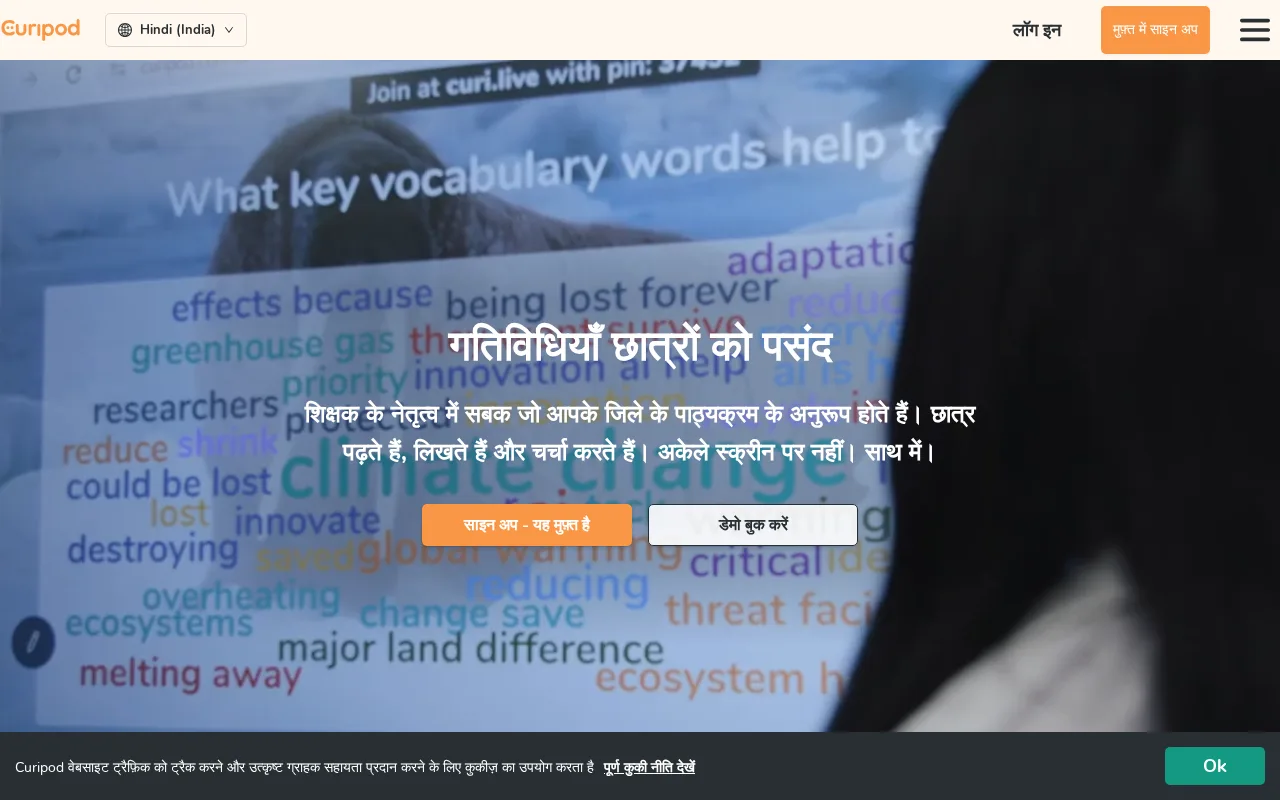
Curipod offers a user-friendly way for teachers to create interactive lessons with unique AI-powered visuals.
- Intuitive interactive lesson creation
- Unique AI image generation feature
- Engaging student participation tools
- Supports drawing and polls
- Freemium pricing with accessible entry
- Limited LMS and grading features
- Few third-party integrations
Is Curipod Right for You?
A quick checklist to help you decide.
Ideal for: Teachers and educators who want to create interactive, visually rich lessons that engage students actively.
Less suited for: Users needing a full-featured LMS or extensive third-party integrations should look elsewhere.
Bottom line: The platform’s ability to combine interactive lesson elements with AI-generated images.
AI-assessed from 3 sources.
Pros
Cons
Free
Best for individuals
- Create interactive lessons
- Access to basic tools
Pro
- Advanced lesson features
- AI image generation
Team
For small teams
- Team collaboration
- All Pro features
Offers a free plan with basic features and paid subscriptions for advanced tools and team collaboration.








What is this tool?
How much does it cost?
Does it have a free plan?
What integrations does it support?
Who is it best for?
No reviews yet. Be the first to review Curipod!
Scores are calculated algorithmically from feature coverage, pricing, user feedback & benchmark data — not influenced by commercial relationships. How we score → · Vendor Data Policy