Casepoint logo
Rank #847
TASK AUTOMATION FREEMIUM CLOUD #13 in Task Automation

Casepoint Review — Document Review Automation

Casepoint streamlines legal document review and eDiscovery with automation and analytics.
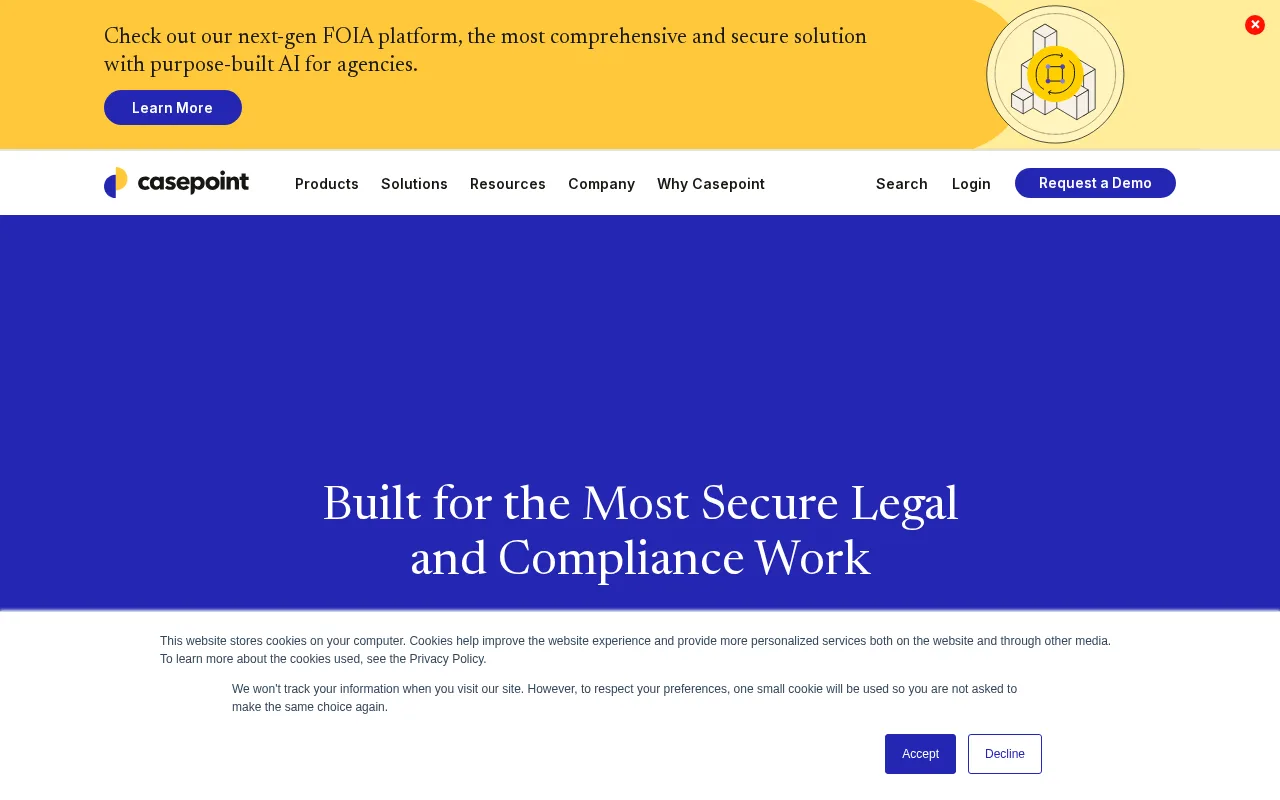
Updated Jun 11, 2026 automation compliance legal
2 monthly visitors 2 page views (30d)
Reviewed by Volvenix Editorial
7.5
Volvenix Verdict
AI-powered editorial review
Casepoint
A robust eDiscovery and document review platform ideal for mid to large legal teams.
PROS
  • Comprehensive eDiscovery and document review automation
  • Strong analytics and case management features
  • Secure, scalable cloud infrastructure
CONS
  • Limited public pricing transparency
  • May be complex for small teams or solo users

Is Casepoint Right for You?

A quick checklist to help you decide.

You need to automate large-scale legal document review and eDiscovery processes.
You need a simple, low-cost tool for occasional document review tasks.
You want a secure, cloud-based platform with advanced analytics for compliance.
Free-tier limits are a blocker for your team’s volume of data processing.
Your team requires collaboration tools for managing complex litigation cases.
You require transparent, publicly available pricing before evaluation.

Ideal for: Legal teams and compliance officers managing large-scale eDiscovery and document review projects.

Less suited for: Small firms or solo practitioners with limited budgets and simpler document review needs.

Bottom line: The platform’s ability to automate complex document review and eDiscovery workflows efficiently.

Editorial Review AI-generated
Casepoint excels in automating document review and managing complex eDiscovery workflows, offering strong analytics and collaboration features. Its cloud-based platform ensures scalability and security, making it suitable for enterprise legal departments and law firms. However, its pricing details are not fully transparent, and smaller firms may find the platform complex or costly. Overall, it is best suited for organizations needing comprehensive compliance and litigation support.
Pros & Cons

Pros

Robust automation for document review and eDiscovery
Advanced analytics and reporting capabilities
Secure cloud platform with compliance focus
Collaboration tools for legal teams
Scalable for enterprise use

Cons

Pricing details are not publicly transparent moderate
May be complex for smaller firms or solo practitioners moderate
Workaround: Consider simpler tools if your needs are basic
Who Is It For & What Can It Do
Best For
Legal Professional Enterprise (1000+) Mid-Market (201–1000) Intermediate curve
AI Capabilities
Advanced Analytics Document Review Automation eDiscovery Processing Memory Tool Calling
Key Features
Document Review Automation
Automates review workflows to reduce manual effort
eDiscovery Processing
Supports data ingestion, processing, and filtering
Case management
Organizes and tracks legal cases and documents
Advanced analytics
Provides insights and reporting on document data
Collaboration Tools
Enables team communication and task assignment
Best Use Cases
Legal document review automation eDiscovery for litigation and investigations Compliance and regulatory audits Case and matter management Data processing and analytics for legal teams
Available Platforms
API / SDK Web App
Inputs & Outputs
Documentinput Documentoutput
Supported Languages
English
Security & Compliance
Certifications
SOC 2 Type II
AICPA
ISO 27001
ISO
GDPR
European Union
HIPAA
US Dept Health
Pricing Plans

Free

Basic access for individuals

Free
 
  • Limited document review
  • Basic case management

Offers a freemium model with basic features; advanced capabilities and enterprise plans require contacting sales.


Price Range
Free $0–$0
Support Channels
Email
Did you find this page helpful?
Frequently Asked Questions
What is this tool?
Casepoint is a cloud-based eDiscovery and document review platform for legal and compliance teams.
How much does it cost?
Casepoint offers a freemium model with basic features; advanced plans require contacting sales.
Does it have a free plan?
Yes, Casepoint provides a free plan with limited features suitable for individuals.
What integrations does it support?
Integration details are not publicly disclosed on the official website.
Who is it best for?
It is best suited for mid to large legal teams needing automated eDiscovery and document review.
User Reviews

No reviews yet. Be the first to review Casepoint!

Write a Review
Discussion
No discussions yet. Start the conversation!
0 tools selected
Compare Now →
Casepoint Visit Tool