
Blumira logo
Rank #817
FREEMIUM CLOUD #4 in Incident Response

Blumira Review — Automated Incident Response

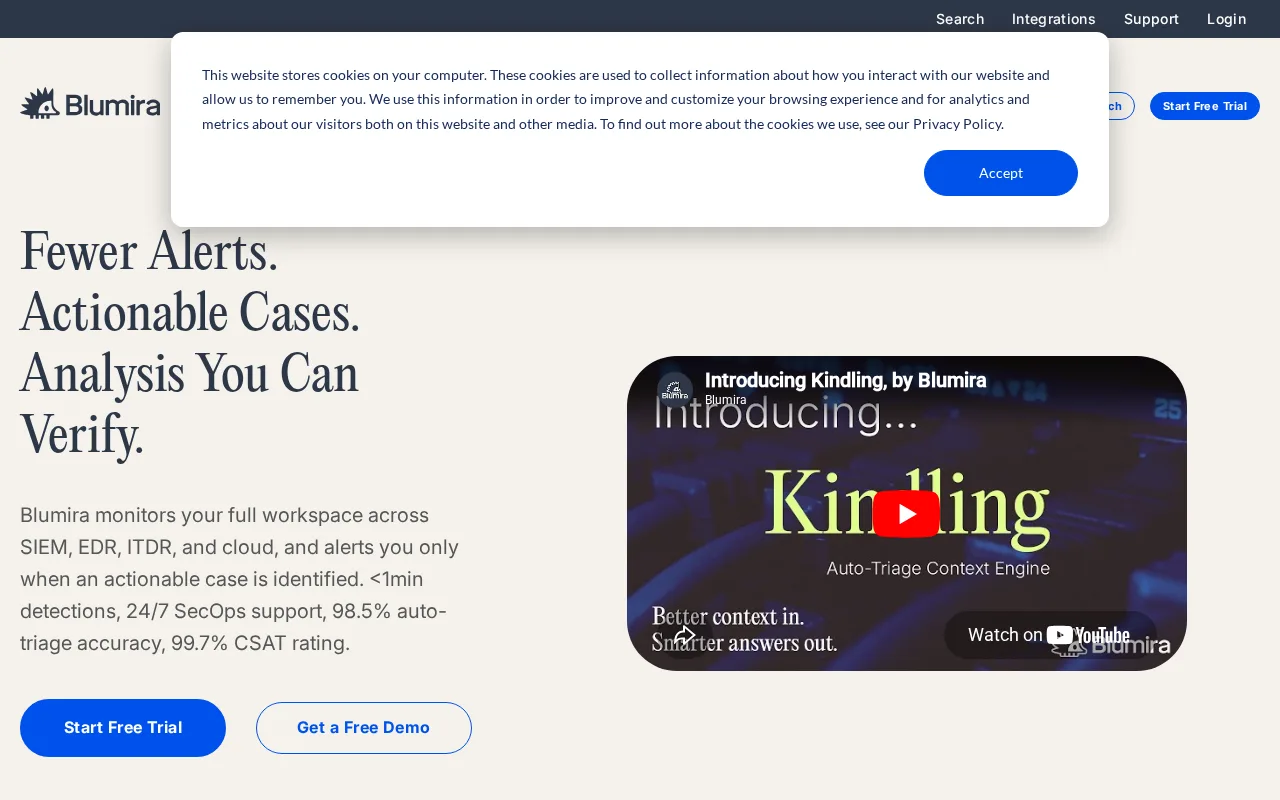
Blumira automates threat detection and incident response with easy integrations for IT teams.
19 monthly visitors 19 page views (30d)
Reviewed by Volvenix Editorial
7.5
Volvenix Verdict
AI-powered editorial review
Blumira
Blumira offers accessible, automated incident response suited for small to mid-sized IT teams.
PROS
  • Automated threat detection reduces manual workload
  • User-friendly interface suitable for non-experts
  • Integrates well with common security data sources
CONS
  • Limited advanced customization options
  • May not meet complex enterprise compliance needs

Is Blumira Right for You?

A quick checklist to help you decide.

You want to automate threat detection and reduce manual incident handling.
You need deep customization and complex security orchestration capabilities.
You need a security tool with a user-friendly interface for your IT team.
Free-tier limits are a blocker for your organization's scale or compliance needs.
Your team requires integrations with common security data sources for faster alerts.
You require extensive enterprise-grade compliance and governance features.

Ideal for: Small to mid-sized IT teams seeking automated threat detection and simplified incident response workflows.

Less suited for: Large enterprises requiring highly customizable, advanced security orchestration or compliance-heavy environments.

Bottom line: Ease of use combined with automated threat detection and response capabilities.

Editorial Review AI-generated
Blumira excels at simplifying incident response with automation and clear threat detection workflows. Its intuitive UI and integrations make it approachable for teams without extensive security expertise. However, it may lack some advanced customization and enterprise-grade features found in larger platforms. Best suited for SMBs and growing IT teams needing efficient threat response without complex setup.

AI-assessed from 3 sources.

Pros & Cons

Pros

Automates detection and response to reduce manual effort
Intuitive UI suitable for teams without deep security expertise
Integrates threat intelligence for improved alert accuracy
Supports multiple data sources for comprehensive monitoring
Freemium pricing allows easy trial and adoption

Cons

Lacks advanced customization for complex environments moderate
Limited enterprise compliance and governance features moderate
No public API for integrations beyond built-in connectors minor
Who Is It For & What Can It Do
Best For
Developer / Engineer Product Manager Small Business (1–10) Beginner curve
AI Capabilities
Incident Response Automation Memory Threat Detection Tool Calling
Key Features
Automated Threat Detection
Identifies security threats automatically
Incident response automation
Automates response workflows to reduce manual tasks
Threat Intelligence Integration
Incorporates external threat data for better alerts
SIEM Integration
Connects with common SIEM tools
Custom alerts
Allows some customization of alert rules
Best Use Cases
Automated security incident detection Streamlined incident response for IT teams Threat intelligence correlation Security monitoring for SMBs Reducing manual security operations workload
Available Platforms
Integrations
CrowdStrike Microsoft Sentinel Splunk
Inputs & Outputs
Textinput Textoutput
Supported Languages
English
Security & Compliance
Certifications
SOC 2 Type II
AICPA
ISO 27001
ISO
GDPR
European Union
Compliance Standards
GDPR
Privacy · EU
API & Developer Tools
Pricing Plans

Free

Best for individuals and small teams

Free
 
  • Basic threat detection
  • Limited incident response automation

Offers a free tier with basic features and paid plans for enhanced capabilities and larger teams.


Price Range
Free $0–$0
Support Channels
Did you find this page helpful?
Frequently Asked Questions
What is this tool?
Blumira automates threat detection and incident response to help IT teams quickly identify and manage security threats.
How much does it cost?
Blumira offers a free tier with basic features and paid plans for additional capabilities.
Does it have a free plan?
Yes, Blumira provides a free plan suitable for individuals and small teams.
What integrations does it support?
Blumira integrates with common SIEM tools and security data sources for comprehensive monitoring.
Who is it best for?
It is best suited for small to mid-sized IT teams seeking automated incident response without complex setup.
User Reviews

No reviews yet. Be the first to review Blumira!

Write a Review
Discussion
No discussions yet. Start the conversation!
0 tools selected
Compare Now →
Blumira Visit Tool