 Volvenix
Bigjpg Review — AI Image Upscaling & Enhancement
Bigjpg enhances and upscales images, specializing in anime and illustrations with batch processing.
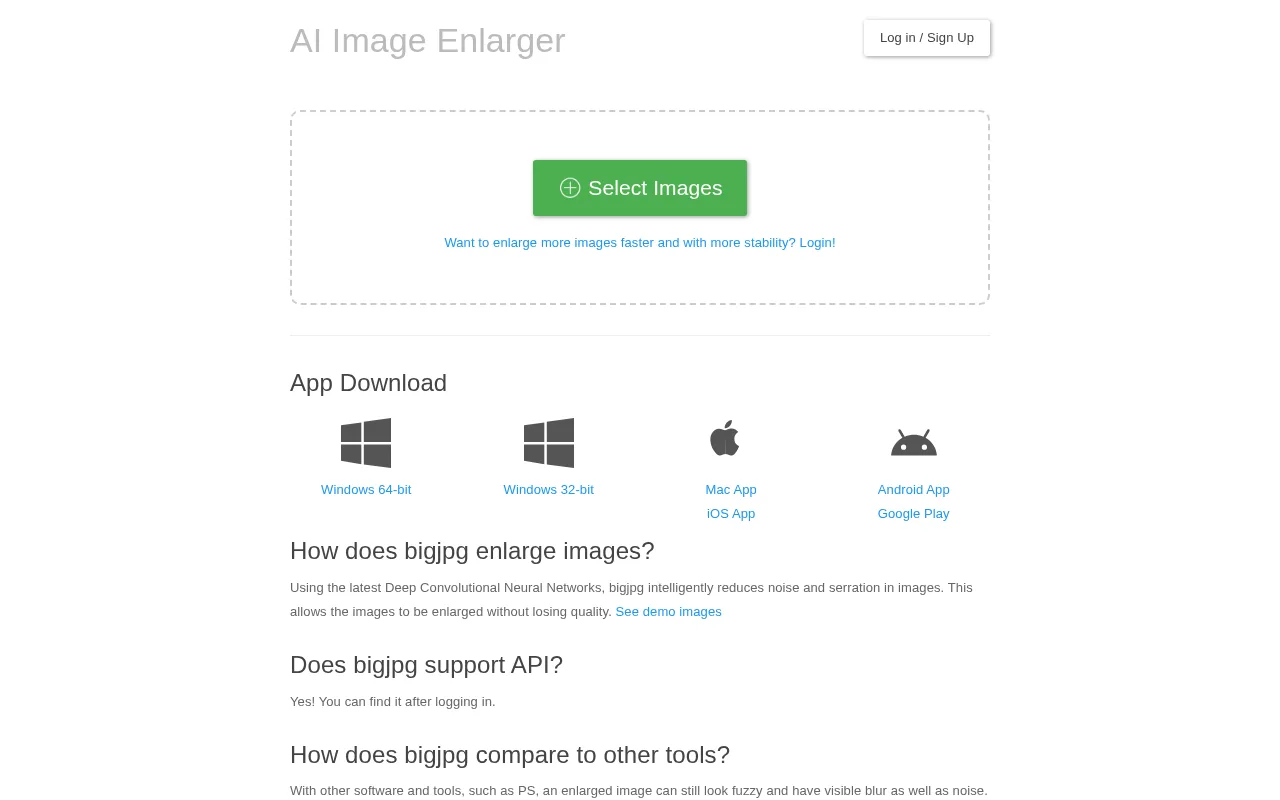
A reliable AI tool for detailed image upscaling, ideal for anime and illustration enhancement.
- High-quality detail preservation in upscaling
- Specialized for anime and illustration images
- Batch processing for multiple images
- Simple, user-friendly interface
- Freemium pricing with accessible free tier
- Limited to image upscaling and enhancement
- No advanced image editing features
Is Bigjpg Right for You?
A quick checklist to help you decide.
Ideal for: Photographers, digital artists, and illustrators who require high-quality image upscaling and detail preservation.
Less suited for: Users needing comprehensive image editing or those requiring extensive format support beyond upscaling.
Bottom line: The quality of AI-driven detail preservation during image upscaling.
AI-assessed from 3 sources.
Pros
Cons
Free
Best for individuals
- Basic image upscaling
- Limited resolution and speed
Pro
- Higher resolution upscaling
- Faster processing speed
Team
For small teams
- Team collaboration features
- Priority support
Offers a free tier with basic features and paid subscriptions for higher resolution and faster processing.

Inferred from shared AI-model tagging — not a confirmed product relationship.



What is this tool?
How much does it cost?
Does it have a free plan?
What integrations does it support?
Who is it best for?
No reviews yet. Be the first to review Bigjpg!
Scores are calculated algorithmically from feature coverage, pricing, user feedback & benchmark data — not influenced by commercial relationships. How we score → · Vendor Data Policy