 Volvenix
Applitools Review — Automated Visual Testing
Automate visual testing for web and mobile apps to catch UI issues across browsers and devices.
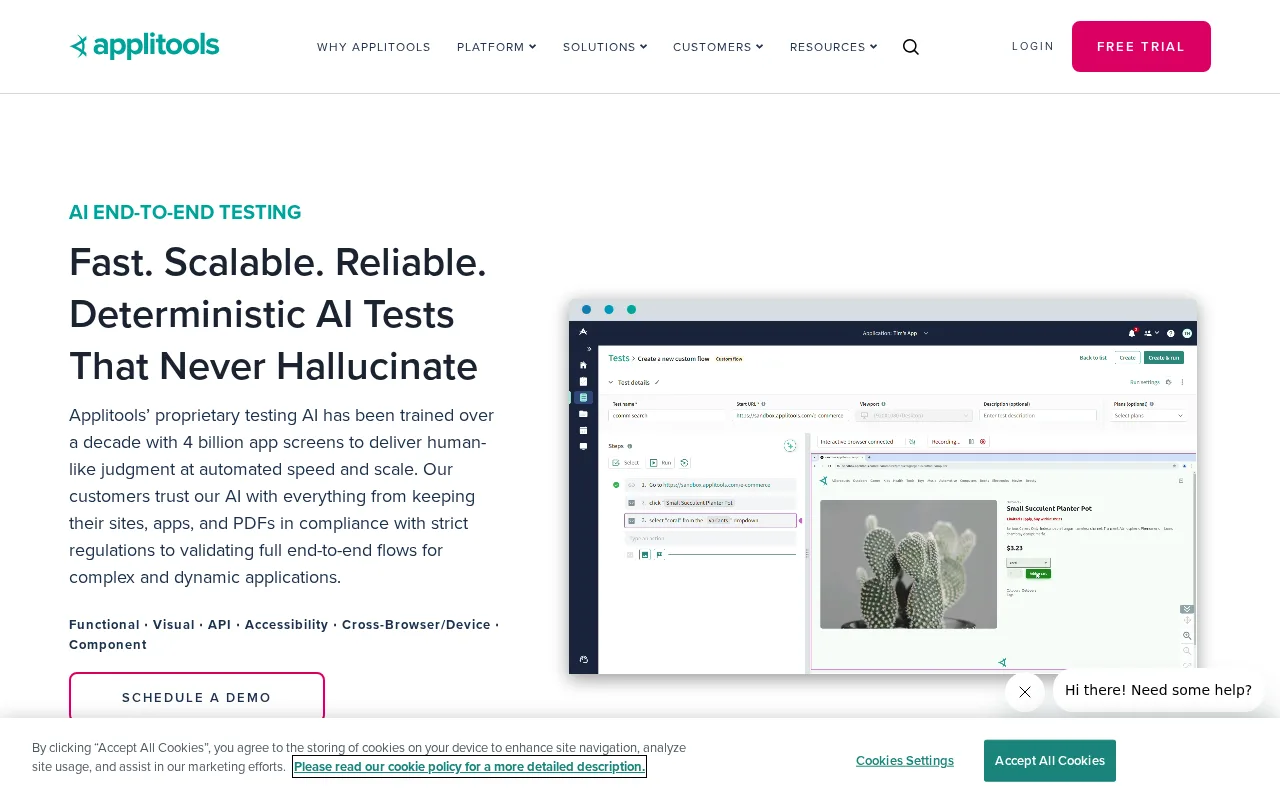
A top choice for teams needing reliable, scalable visual regression testing.
- Highly accurate Visual AI engine
- Seamless integration with test frameworks
- Supports web and mobile platforms
- Parallel test execution for speed
- Detailed visual difference reporting
- Limited free tier
- Pricing can be high for large teams
Is Applitools Right for You?
A quick checklist to help you decide.
Ideal for: Development and QA teams at software companies who need to ensure pixel-perfect UI across browsers and devices.
Less suited for: Solo developers, hobbyists, or teams with minimal UI testing needs, or those requiring a fully open-source solution.
Bottom line: The accuracy and scalability of its Visual AI engine for cross-browser UI regression detection.
AI-assessed from 4 sources.
Pros
Cons
Free
Best for individuals
- Limited test runs
- Basic visual testing
Pro
- Increased test runs
- Advanced integrations
Team
For small teams
- Team management
- Parallel test execution
Applitools offers a free plan with limited usage, and paid plans for professional and team needs. Pricing increases with test volume and advanced features.






What is this tool?
How much does it cost?
Does it have a free plan?
What integrations does it support?
Who is it best for?
No reviews yet. Be the first to review Applitools!
Scores are calculated algorithmically from feature coverage, pricing, user feedback & benchmark data — not influenced by commercial relationships. How we score → · Vendor Data Policy