Anyline OCR SDK logo
Rank #1488
FREEMIUM API ONLY #2 in Optical Character Recognition

Anyline OCR SDK Review — Optical Character Recognition

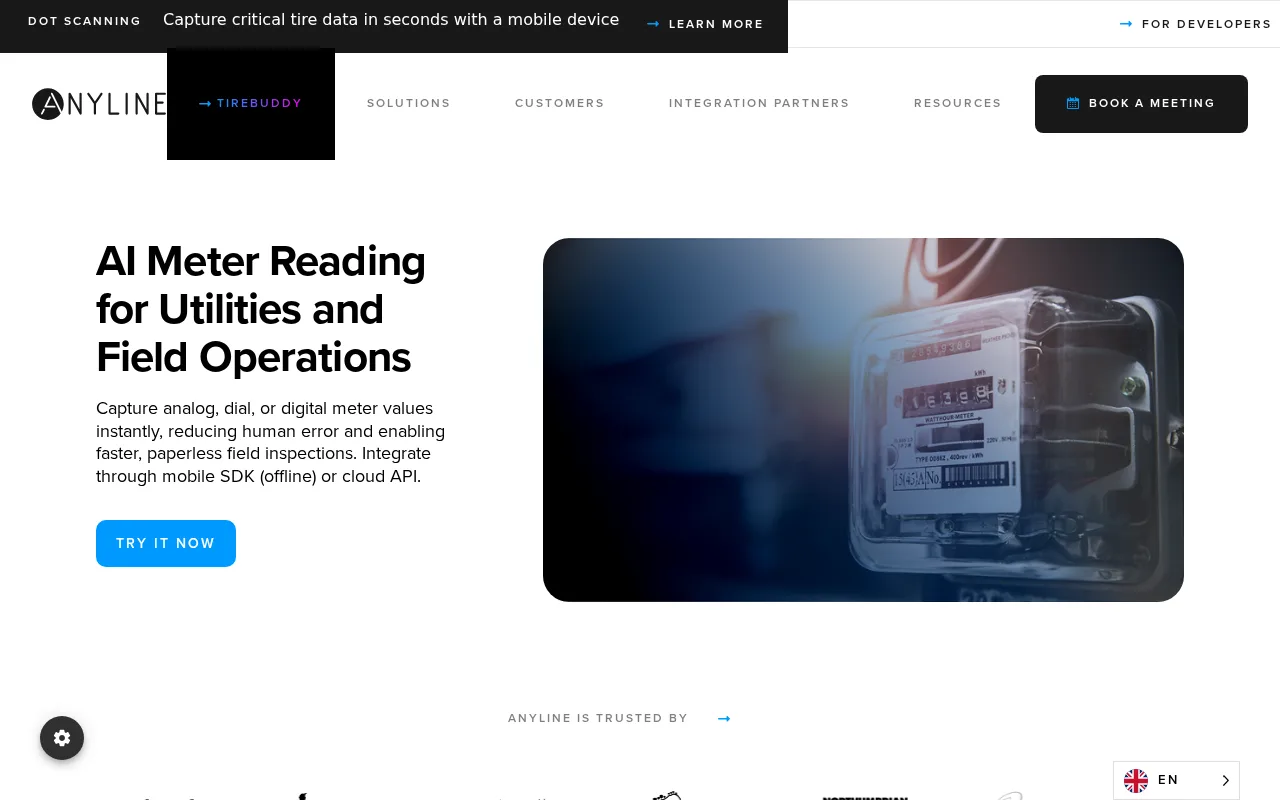
Anyline OCR SDK enables mobile and web apps to capture and extract text from images in real time.
7.5
Volvenix Verdict
AI-powered editorial review
Anyline OCR SDK
A robust OCR SDK ideal for mobile apps requiring fast, offline text extraction.
PROS
  • Accurate OCR with offline functionality
  • Supports multiple text types and use cases
  • Developer-friendly SDK with mobile focus
CONS
  • Limited public pricing details
  • Free tier usage limits may restrict some users

Is Anyline OCR SDK Right for You?

A quick checklist to help you decide.

You need OCR capabilities embedded in mobile or web apps with offline support.
You need a fully cloud-based OCR solution with extensive enterprise features.
You want to scan diverse text types like IDs, invoices, or serial numbers quickly.
Free-tier limits are a blocker for your expected volume of scans.
Your team requires a developer-friendly SDK for custom OCR integration.
You require detailed pricing transparency before evaluation.

Ideal for: Developers and small to medium businesses needing fast, offline OCR integration in mobile or web apps.

Less suited for: Large enterprises requiring extensive document management or users needing fully cloud-based OCR solutions.

Bottom line: The ability to perform accurate OCR offline on mobile devices.

Editorial Review AI-generated
Anyline OCR SDK excels in delivering accurate text recognition on mobile devices with offline support, making it suitable for industries like logistics and retail. Its SDK is developer-friendly and supports multiple text formats, enhancing versatility. However, pricing details are limited publicly, and the free tier has usage restrictions that may not fit all users. It is best for teams focused on mobile OCR integration rather than broad enterprise document workflows.
Pros & Cons

Pros

High accuracy OCR with offline scanning
Supports diverse text types and formats
Easy integration with mobile SDKs
Optimized for real-time scanning
Strong developer documentation

Cons

Pricing details are not fully transparent moderate
Workaround: Contact sales for detailed pricing
Free tier has limited usage quotas moderate
Workaround: Upgrade to paid plan for higher limits
No public API available for direct cloud OCR minor
Who Is It For & What Can It Do
Best For
Developer / Engineer Product Manager Intermediate curve
AI Capabilities
Text Extraction
Key Features
Offline OCR
Perform text recognition without internet connection
Multi-language Support
Supports multiple languages for text extraction
Mobile SDK
SDKs for iOS and Android platforms
Real-time Scanning
Instant text recognition during scanning
Customizable UI
Allows UI customization for scanning experience
Best Use Cases
ID and passport scanning Invoice and receipt digitization Serial number and barcode reading Logistics and inventory management Mobile form data capture
Available Platforms
Inputs & Outputs
Imageinput Textoutput
Supported Languages
English
Security & Compliance
Compliance Standards
GDPR
Privacy · EU
API & Developer Tools
Pricing Plans

Free

Best for individuals

Free
 
  • Limited scans per month
  • Basic OCR features

Offers a free tier with limited usage; paid plans unlock higher volume and advanced features, pricing details require contacting sales.

Price Range
Free $0–$0
Support Channels
More from Anyline GmbH
Did you find this page helpful?
Frequently Asked Questions
What is this tool?
Anyline OCR SDK is a software development kit for integrating optical character recognition into mobile and web apps.
How much does it cost?
Anyline offers a free tier with limited usage; paid plans require contacting sales for pricing.
Does it have a free plan?
Yes, there is a free plan with limited monthly scans.
What integrations does it support?
It provides SDKs for iOS and Android; no public API integrations are documented.
Who is it best for?
Developers and businesses needing offline OCR capabilities embedded in mobile apps.
User Reviews

No reviews yet. Be the first to review Anyline OCR SDK!

Write a Review
Discussion
No discussions yet. Start the conversation!
0 tools selected
Compare Now →
Anyline OCR SDK Visit Tool