 Volvenix
Roboworker vs Synapse Automations
AI-enhanced independent comparison — features, pros, cons, pricing and rankings.
 ChatGPT
  Claude
  Gemini
  Midjourney
  DALL-E
  Stable Diffusion
  Notion AI
  Canva
Canva  Grammarly
  GitHub Copilot
  ElevenLabs
  Perplexity
  Runway
  Synthesia
  Fireflies.ai
  Hugging Face Hub
| Dimension | Roboworker | Synapse Automations |
|---|---|---|
| Accuracy & Reliability | ||
| Ease of Use | ||
| Features & Capability | ||
| Value for Money | ||
| Performance & Speed | ||
| Popularity & Adoption |
Who each tool serves best — and when to pick the other one.
Manufacturers and integrators seeking to enhance production efficiency through automation.
- You need to streamline your manufacturing processes.
- You want to integrate robotics into your workflows.
- Your team requires AI-driven decision-making tools.
Small businesses or startups with limited budgets may find the enterprise pricing prohibitive.
- You need a budget-friendly solution for automation.
- Free-tier limits are a blocker for your operations.
- You require extensive customization options.
The need for advanced automation in manufacturing processes.
Finance and accounting teams in manufacturing, logistics, or retail needing tailored automation of complex workflows.
- You need to automate complex finance workflows in manufacturing or logistics environments
- You want to reduce manual data entry and errors in accounting processes
- Your team requires AI-driven task automation tailored to retail or industrial finance
Small businesses or teams outside manufacturing, logistics, or retail that require broad finance automation or transparent pricing.
- You need a general-purpose finance automation tool for diverse industries
- Free-tier limits are a blocker for your evaluation or pilot testing
- You require fully transparent, publicly documented pricing plans
How well the tool automates finance and accounting workflows specific to your industry’s operational needs.
Each tool's marketing-listed features. Where a feature appears under one tool but not the other, it usually reflects how the vendor describes their product — not a definitive capability gap.
- Robotics workflow orchestration — Coordinates multi-step manufacturing workflows that include robotic arm actions and process logic.
- AI-driven decision support — Uses AI logic to choose actions, handle exceptions, and optimize task sequencing.
- Industrial robot integration — Connects to robotic arm systems to execute tasks within production environments.
- Production optimization — Improves throughput by optimizing workflows and reducing manual intervention points.
- Automation for manufacturing tasks — Automates repetitive shop-floor processes using robots and software workflows.
- Monitoring and control layer — Provides a software layer to manage and adjust automated workflows during operations.
- AI Agent Automation — Automates finance and accounting tasks using AI agents
- Industry Tailoring — Customizes workflows for manufacturing, logistics, and retail
- Data-Driven Process Automation — Handles complex data workflows in finance operations
- Cloud deployment — Delivered as a cloud-based platform
- Integration Support — Supports integrations relevant to finance workflows
- Combines AI and robotics for efficiency
- Designed specifically for manufacturing
- Supports complex workflow orchestration
- Industry-specific finance automation
- AI agents reduce manual accounting tasks
- Improves operational efficiency
- Focus on data-driven workflows
- Supports manufacturing, logistics, retail
- High cost may deter smaller businesses
- Limited availability of free resources
- Limited industry focus restricts broader use
- Lack of publicly available pricing details
- No free plan or trial available for evaluation
- Automating repetitive manufacturing tasks
- Optimizing production line workflows
- Integrating AI for decision support
- Automate invoice processing in manufacturing firms
- Streamline logistics finance reconciliation
- Reduce manual accounting errors in retail chains
- Accelerate financial closing processes
- Automate compliance reporting for finance teams
The underlying AI models each tool runs on. Model details show on hover.
No models confirmed.
Natural languages each tool generates and understands. Primary languages are listed first.
What each tool can accept (input) and produce (output) — text, image, audio, video, code.
Roboworker operates on an enterprise pricing model, tailored for larger manufacturers.
—
Pricing is based on paid plans tailored to business needs; exact costs are not publicly detailed on the website.
-
Basic
$50.00/mo -
Enterprise
popular
$100.00/mo
Who each tool is positioned for — primary audience first.
How you can reach support — email, live chat, phone, community, docs.
- Email primary
- Email primary
How each tool is classified in the Volvenix catalog.
These vocabulary domains are managed in our catalog but not yet exposed at the tool level. We're tracking them for future expansion of this comparison.
- Encryption Types — AES-256, ChaCha20, RSA-2048, and similar at-rest/in-transit cipher families.
- Encryption Contexts — where encryption is applied (data at rest, in transit, end-to-end).
- Plan-tier Model Mapping — which AI models are available on which pricing tier (currently only the model list is tracked, not the per-plan availability).
- What is this tool?
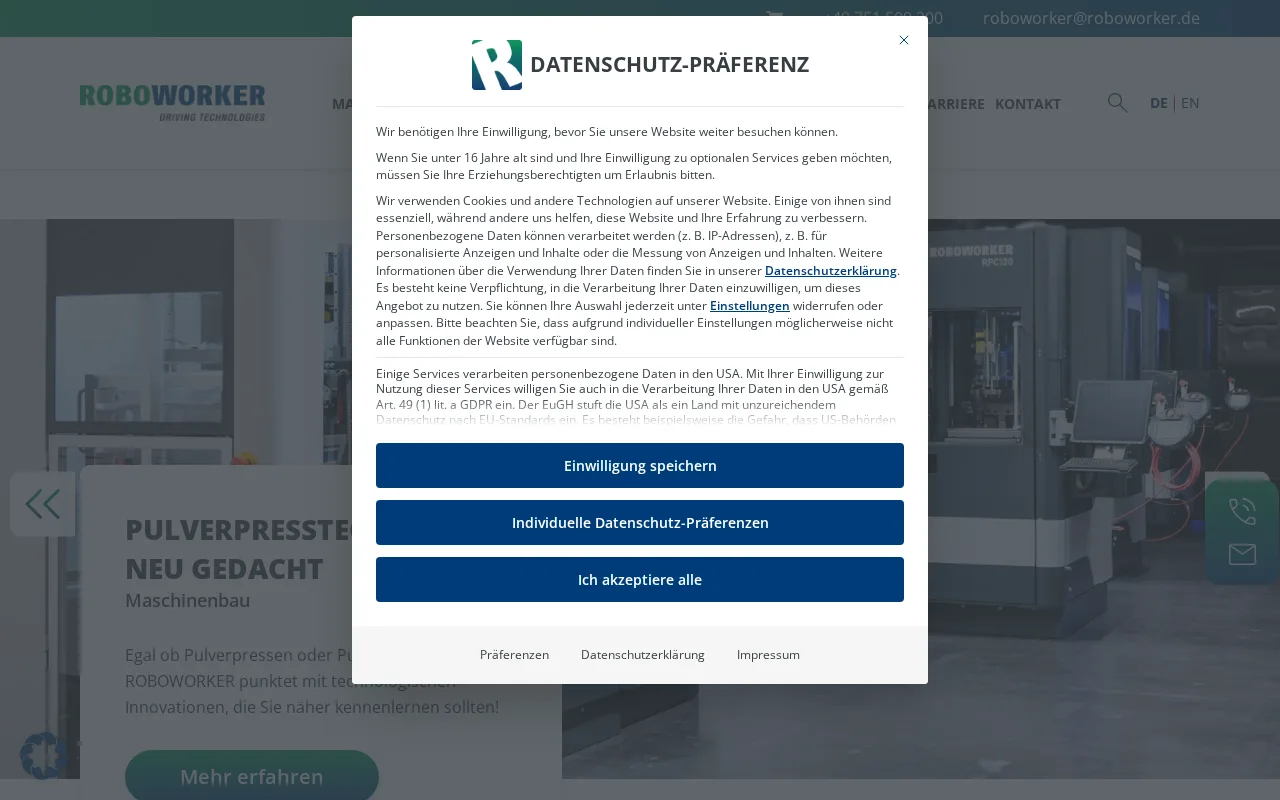
- Roboworker is an industrial automation platform for manufacturers.
- How much does it cost?
- Roboworker operates on an enterprise pricing model.
- Does it have a free plan?
- No, there is no free plan available.
- What integrations does it support?
- Integrations are not specified on the website.
- Who is it best for?
- It is best for larger manufacturers looking to optimize workflows.
- What is this tool?
- Synapse Automations provides AI agents that automate finance and accounting workflows for manufacturing, logistics, and retail sectors.
- How much does it cost?
- Pricing is based on paid plans tailored to business needs but is not publicly disclosed on the official website.
- Does it have a free plan?
- No, Synapse Automations does not offer a free plan or trial currently.
- What integrations does it support?
- The platform supports integrations relevant to finance and accounting workflows, though specific partners are not publicly listed.
- Who is it best for?
- It is best suited for finance teams in manufacturing, logistics, and retail industries seeking tailored automation solutions.
| Info | Roboworker | Synapse Automations |
|---|---|---|
| Pricing | Enterprise | Paid |
| Category | AI Agents & Automation | AI Agents & Automation |
| Deployment | Cloud | Cloud |
| Learning Curve | Advanced | Intermediate |
| Free Plan | ✗ | ✗ |
| AI Agent | ✓ | ✓ |
| Autonomy | Agent | Agent |
| Risk Tier | Critical | Medium |
 Locus Robotics
 6 River Systems
 Gumloop
 FlowAutomate AI
 Robomotion
 PolicyForge
 PromptLayer
Roboworker (5) and Synapse Automations (5) score within our confidence interval — treat this as a tie for practical purposes. Synapse Automations leads on pricing. Pick based on the specific dimensions that matter to your workflow.
ⓘ How Volvenix scores work
Scores are computed by Volvenix — not supplied by the vendors, and not third-party benchmark results. Each 0–10 dimension (Overall, Features, Usability, Support, Pricing) is a directional estimate aggregated from catalog signals — editorial cataloguing, content depth, engagement, and provider-reputation indicators — so treat them as a starting point, not a lab result.
Confidence reflects how complete the underlying data is for both tools; lower confidence means fewer signals were available, not a worse tool. We never accept payment for rankings or scores. More about how Volvenix works →