 Volvenix
Krisp vs Verbit Live Captioning
AI-enhanced independent comparison — features, pros, cons, pricing and rankings.
 ChatGPT
  Claude
  Gemini
  Midjourney
  DALL-E
  Stable Diffusion
  Notion AI
  Canva
Canva  Grammarly
  GitHub Copilot
  ElevenLabs
  Perplexity
  Runway
  Synthesia
  Fireflies.ai
  Hugging Face Hub

| Dimension | Krisp | Verbit Live Captioning |
|---|---|---|
| Accuracy & Reliability | ||
| Ease of Use | ||
| Features & Capability | ||
| Value for Money | ||
| Performance & Speed | ||
| Popularity & Adoption |
Who each tool serves best — and when to pick the other one.
Remote workers, professionals, and teams needing clear audio in calls without background distractions.
- You need to improve call audio quality by removing background noise instantly
- You want a noise cancellation tool that works with any conferencing app
- Your team requires clearer communication during remote meetings and calls
Users seeking integrated transcription, meeting summaries, or advanced collaboration features should look elsewhere.
- You need built-in transcription or meeting summary capabilities
- Free-tier limits are a blocker for your frequent or long-duration calls
- You require advanced collaboration or note-taking features integrated
Effectiveness and ease of use in real-time noise cancellation across platforms.
Teams and organizations needing accurate, real-time captions and transcripts for meetings, webinars, or events with accessibility requirements.
- You need real-time captions to improve meeting accessibility and compliance
- You want transcripts reviewed by humans for higher accuracy than AI alone
- Your team requires support for live events across education or corporate sectors
Users seeking fully automated transcription without human review or those needing extensive API integrations for custom workflows.
- You need a fully automated transcription solution without human involvement
- Free-tier limits are a blocker for your high-volume transcription needs
- You require extensive API access for custom integration and automation
The hybrid AI-human transcription model that ensures high accuracy in live captioning.
A canonical comparison across capabilities common to this category. Vendor-specific extras appear below in "Highlighted Features".
| Capability | Krisp | Verbit Live Captioning |
|---|---|---|
|
Multi-language Support
Understands and generates content in multiple languages
|
— | ✓ |
|
Free Tier Available
Usable without payment (with usage limits)
|
✓ | ✓ |
Each tool's marketing-listed features. Where a feature appears under one tool but not the other, it usually reflects how the vendor describes their product — not a definitive capability gap.
- Noise Cancellation — Removes background noise and echoes in real time
- Platform Compatibility — Works with Zoom, Teams, Skype, Webex, and more
- Device Support — Supports Windows and macOS desktop apps
- Noise Cancellation for Recordings — Cleans audio files post-recording
- Task management — Admin controls and user management for business plans
- Real-time Captioning — Provides live captions during meetings and events
- Hybrid Transcription — Combines AI with human editors for accuracy
- Post-Event Transcripts — Generates searchable transcripts after events
- Accessibility Compliance — Helps meet ADA and other accessibility standards
- Effective AI noise cancellation in real time
- Compatible with all major conferencing apps
- Easy to install and use across devices
- Supports multiple platforms including Windows and Mac
- Offers a free tier with basic usage
- Hybrid AI and human transcription improves accuracy
- Supports real-time captioning for live events
- Enhances accessibility and compliance
- User-friendly interface
- Applicable across multiple industries
- No built-in transcription or meeting notes
- Free plan limits weekly noise cancellation minutes
- No mobile app available
- Pricing details are not publicly available
- No public API for integrations
- No dedicated mobile app available
- Remote work meetings
- Podcast and audio recording cleanup
- Customer support calls
- Online teaching and webinars
- Virtual conferences and interviews
- Live captioning for corporate meetings
- Accessibility support for educational webinars
- Transcription for legal and compliance events
- Searchable meeting archives
- Support for virtual conferences
No third-party integrations confirmed.
Where each tool runs — web, mobile, desktop, browser extension, API.
Natural languages each tool generates and understands. Primary languages are listed first.
What each tool can accept (input) and produce (output) — text, image, audio, video, code.
Krisp offers a free plan with limited noise cancellation minutes per week and paid subscriptions for unlimited use and team features.
-
Free
Free -
Pro
popular
$8.33/mo -
Business
$12.50/mo
Offers a free tier with basic features and paid plans for advanced transcription and captioning services; pricing details require contacting sales.
-
Free
Free
Regulatory frameworks each tool claims compliance with (HIPAA, SOC 2, GDPR, etc.).
Vendor-published numbers each tool highlights — usage scale, breadth, and operational stats. Different tools track different metrics, so direct row-by-row comparison usually isn't meaningful.
- Noise Cancellation Accuracy High
- Caption Accuracy Up to 99% %
Who each tool is positioned for — primary audience first.
How you can reach support — email, live chat, phone, community, docs.
- Documentation primary visit ↗
- Email primary
How each tool is classified in the Volvenix catalog.
These vocabulary domains are managed in our catalog but not yet exposed at the tool level. We're tracking them for future expansion of this comparison.
- Encryption Types — AES-256, ChaCha20, RSA-2048, and similar at-rest/in-transit cipher families.
- Encryption Contexts — where encryption is applied (data at rest, in transit, end-to-end).
- Plan-tier Model Mapping — which AI models are available on which pricing tier (currently only the model list is tracked, not the per-plan availability).
- What is this tool?
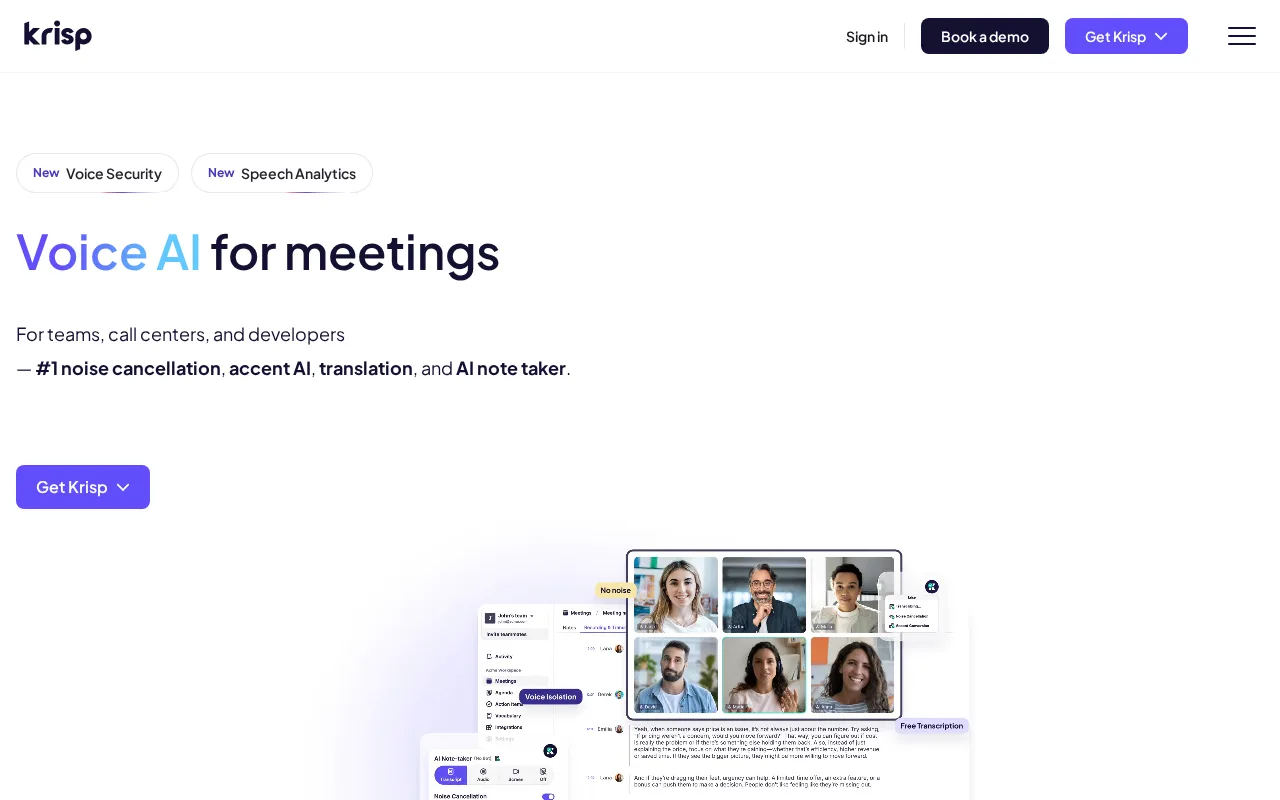
- Krisp is a noise-canceling app that removes background sounds from calls and recordings in real time.
- How much does it cost?
- Krisp offers a free plan with limited minutes and paid subscriptions starting at about $8.33 per month.
- Does it have a free plan?
- Yes, Krisp provides a free tier with 120 minutes of noise cancellation per week.
- What integrations does it support?
- Krisp works with all major conferencing apps like Zoom, Microsoft Teams, Skype, and Webex.
- Who is it best for?
- It is ideal for remote workers, professionals, and teams needing clearer audio during calls.
- What is this tool?
- Verbit Live Captioning provides real-time captions and transcripts for meetings and events using AI combined with human editors.
- How much does it cost?
- Verbit offers a free tier with basic features; paid plans require contacting sales for pricing details.
- Does it have a free plan?
- Yes, Verbit offers a free plan with limited live captioning features.
- What integrations does it support?
- Verbit does not publicly document API or third-party integrations.
- Who is it best for?
- Organizations needing accurate, accessible live captions and transcripts for meetings and events.
| Info | Krisp | Verbit Live Captioning |
|---|---|---|
| Pricing | Freemium | Freemium |
| Category | Meeting & Collaboration AI | Meeting & Collaboration AI |
| Deployment | Desktop | Cloud |
| Learning Curve | Beginner | Beginner |
| Free Plan | ✓ | ✓ |
| AI Agent | ✗ | ✗ |
| Autonomy | Assistant | Assistant |
| Risk Tier | Low | Low |
 Avoma
Avoma Read AI
 Supernormal
 Verbit
 Sembly AI
 Wordly
Verbit Live Captioning and Krisp both offer freemium pricing models but differ in their primary use cases and features. Verbit Live Captioning focuses on providing real-time transcription and captioning services, often used in educational and professional settings, while Krisp specializes in noise cancellation and audio enhancement for clearer communication during calls. Their overall scores are close, with Verbit at 5.3/10 and Krisp slightly higher at 5.6/10.
ⓘ How Volvenix scores work
Scores are computed by Volvenix — not supplied by the vendors, and not third-party benchmark results. Each 0–10 dimension (Overall, Features, Usability, Support, Pricing) is a directional estimate aggregated from catalog signals — editorial cataloguing, content depth, engagement, and provider-reputation indicators — so treat them as a starting point, not a lab result.
Confidence reflects how complete the underlying data is for both tools; lower confidence means fewer signals were available, not a worse tool. We never accept payment for rankings or scores. More about how Volvenix works →