 Volvenix
TrendMiner vs IBM SPSS Forecasting
AI-enhanced independent comparison — features, pros, cons, pricing and rankings.
 ChatGPT
  Claude
  Gemini
  Midjourney
  DALL-E
  Stable Diffusion
  Notion AI
  Canva
Canva  Grammarly
  GitHub Copilot
  ElevenLabs
  Perplexity
  Runway
  Synthesia
  Fireflies.ai
  Hugging Face Hub

| Dimension | TrendMiner | IBM SPSS Forecasting |
|---|---|---|
| Accuracy & Reliability | ||
| Ease of Use | ||
| Features & Capability | ||
| Value for Money | ||
| Performance & Speed | ||
| Popularity & Adoption |
Who each tool serves best — and when to pick the other one.
Process engineers and operations teams in manufacturing or energy sectors needing self-service time series analytics and forecasting.
- You need to analyze industrial sensor data without coding or data science skills
- You want to detect anomalies and predict trends in process data quickly
- Your team requires self-service analytics for operational efficiency improvements
Data scientists or developers requiring extensive API access or customizable machine learning models should look elsewhere.
- You need a public API for deep integration and automation
- Free-tier limits are a blocker for scaling across many users or data sources
- You require advanced custom machine learning model development capabilities
Ease of use for non-expert users analyzing industrial sensor data without coding.
Data analysts and business teams requiring reliable, automated time series forecasting for demand, supply, or risk management.
- You need to forecast demand or supply using historical time series data accurately.
- You want automated model selection to simplify complex forecasting workflows.
- Your team requires integration with IBM analytics platforms for end-to-end insights.
Users seeking modern UI/UX, transparent pricing, or lightweight forecasting tools for ad hoc analysis.
- You need a free, fully transparent pricing model for small-scale use.
- Free-tier limits are a blocker for experimenting with forecasting models.
- You require a modern, intuitive user interface for quick ad hoc forecasts.
Automated, statistically rigorous time series forecasting with integration into IBM analytics.
A canonical comparison across capabilities common to this category. Vendor-specific extras appear below in "Highlighted Features".
| Capability | TrendMiner | IBM SPSS Forecasting |
|---|---|---|
|
Free Tier Available
Usable without payment (with usage limits)
|
✓ | ✓ |
Each tool's marketing-listed features. Where a feature appears under one tool but not the other, it usually reflects how the vendor describes their product — not a definitive capability gap.
- Pattern Recognition — Identifies recurring trends and anomalies in time series data
- Self-Service Analytics — Enables non-experts to analyze and visualize process data
- Forecasting — Predicts future trends based on historical sensor data
- Root cause analysis — Helps identify causes of anomalies and process deviations
- Contextual Data Integration — Combines sensor data with process metadata for insights
- Automated Model Selection — Automatically selects best forecasting model based on data
- Multiple Forecasting Algorithms — Supports ARIMA, Exponential Smoothing, and more
- Scenario analysis — Enables what-if forecasting scenarios
- Integration with IBM SPSS Statistics — Seamless data exchange with IBM analytics tools
- Customizable Forecasting Models — Allows manual tuning of forecasting parameters
- User-friendly interface tailored for process engineers
- Effective anomaly detection and root cause analysis
- Strong forecasting capabilities for operational planning
- No coding required for complex time series analysis
- Good contextualization of sensor data with process metadata
- Automated and customizable forecasting models
- Strong statistical and analytical foundation
- Integration with IBM SPSS Statistics
- Supports multiple forecasting scenarios
- Reliable for enterprise-grade forecasting
- Lacks a public API for integration
- Limited customization for advanced data science workflows
- Free plan features are quite basic
- Pricing is not transparent and requires contact
- User interface is outdated compared to modern tools
- Industrial process monitoring and optimization
- Anomaly detection in manufacturing sensor data
- Predictive maintenance scheduling
- Root cause analysis of process deviations
- Operational efficiency improvements
- Demand forecasting for retail and manufacturing
- Supply chain risk analytics
- Agricultural yield prediction
- Financial time series forecasting
- Inventory optimization
Natural languages each tool generates and understands. Primary languages are listed first.
What each tool can accept (input) and produce (output) — text, image, audio, video, code.
Offers a free tier with basic features and paid plans for advanced analytics and team collaboration.
-
Free
Free
Offers a freemium model with limited features; full capabilities require paid licenses with pricing available upon request.
-
Free
Free
Regulatory frameworks each tool claims compliance with (HIPAA, SOC 2, GDPR, etc.).
Vendor-published numbers each tool highlights — usage scale, breadth, and operational stats. Different tools track different metrics, so direct row-by-row comparison usually isn't meaningful.
- Downtime Reduction 20%
- Operational Efficiency 15%
- Forecast Accuracy High
Who each tool is positioned for — primary audience first.
How each tool is classified in the Volvenix catalog.
These vocabulary domains are managed in our catalog but not yet exposed at the tool level. We're tracking them for future expansion of this comparison.
- Encryption Types — AES-256, ChaCha20, RSA-2048, and similar at-rest/in-transit cipher families.
- Encryption Contexts — where encryption is applied (data at rest, in transit, end-to-end).
- Plan-tier Model Mapping — which AI models are available on which pricing tier (currently only the model list is tracked, not the per-plan availability).
- What is this tool?
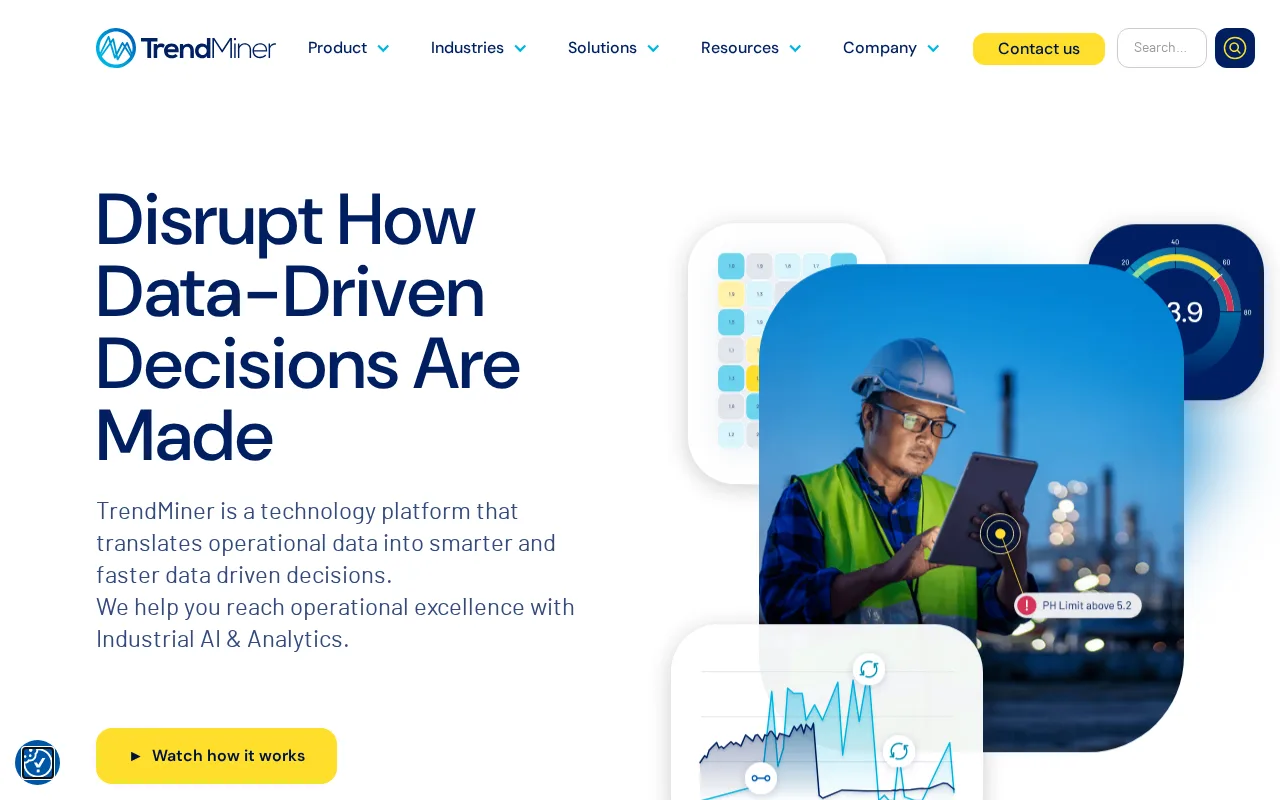
- TrendMiner is a self-service analytics platform for analyzing and forecasting industrial time series data.
- How much does it cost?
- TrendMiner offers a free tier with basic features and paid plans for advanced analytics and team use.
- Does it have a free plan?
- Yes, there is a free plan available with limited features suitable for individual users.
- What integrations does it support?
- TrendMiner integrates with common industrial data historians and process control systems, but has no public API.
- Who is it best for?
- It is best suited for process engineers and operations teams needing self-service industrial analytics.
- What is this tool?
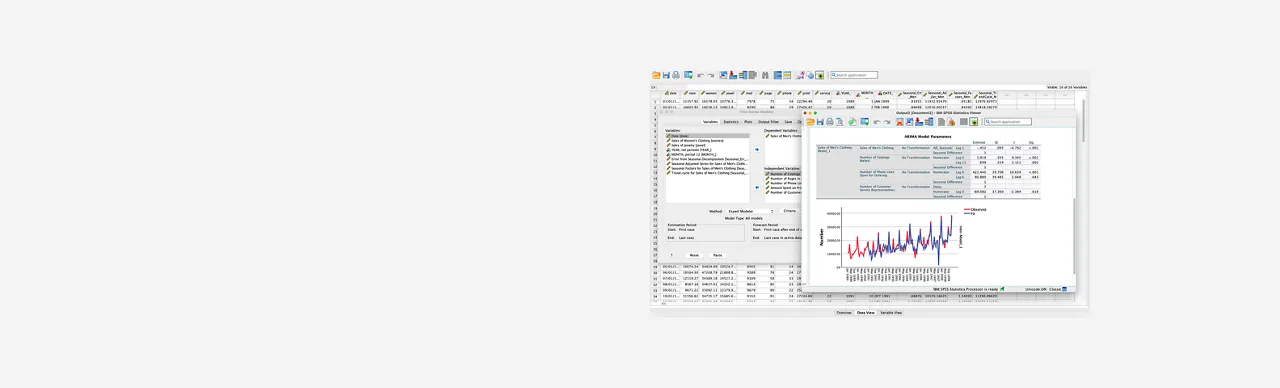
- IBM SPSS Forecasting is a software for time series forecasting and predictive analytics.
- How much does it cost?
- It offers a freemium model with limited features; full pricing requires contacting IBM sales.
- Does it have a free plan?
- Yes, a free plan with basic forecasting features is available.
- What integrations does it support?
- It integrates primarily with IBM SPSS Statistics and IBM analytics platforms.
- Who is it best for?
- Best suited for analysts and businesses needing automated, reliable time series forecasting.
| Info | TrendMiner | IBM SPSS Forecasting |
|---|---|---|
| Pricing | Freemium | Freemium |
| Category | Machine Learning Models & Algorithms | Agriculture & AgTech AI |
| Deployment | Cloud | Desktop |
| Learning Curve | Intermediate | Intermediate |
| Free Plan | ✓ | ✓ |
| AI Agent | ✗ | ✗ |
| Autonomy | Copilot | Assistant |
| Risk Tier | Low | Low |
 Amazon Forecast
 SatSure Agri
 Kayrros Agriculture Insights
 Nixtla
 K Score
 PingThings PredictiveGrid
 GMDH Shell
TrendMiner and IBM SPSS Forecasting both have an overall score of 5.5/10 and offer freemium pricing models. TrendMiner is primarily focused on industrial analytics and process data monitoring, providing self-service analytics for manufacturing and operational efficiency. In contrast, IBM SPSS Forecasting specializes in statistical forecasting and predictive analytics, catering to business and market trend analysis with advanced statistical modeling capabilities.
ⓘ How Volvenix scores work
Scores are computed by Volvenix — not supplied by the vendors, and not third-party benchmark results. Each 0–10 dimension (Overall, Features, Usability, Support, Pricing) is a directional estimate aggregated from catalog signals — editorial cataloguing, content depth, engagement, and provider-reputation indicators — so treat them as a starting point, not a lab result.
Confidence reflects how complete the underlying data is for both tools; lower confidence means fewer signals were available, not a worse tool. We never accept payment for rankings or scores. More about how Volvenix works →