 Volvenix
Gemini vs BrowserOS
AI-enhanced independent comparison — features, pros, cons, pricing and rankings.
 ChatGPT
 Claude
 Gemini
 Midjourney
 DALL-E
 Stable Diffusion
 Notion AI
 Canva
 Grammarly
 GitHub Copilot
 ElevenLabs
 Perplexity
 Runway
 Synthesia
 Fireflies.ai
 Hugging Face Hub

| Dimension | Gemini | BrowserOS |
|---|---|---|
| Accuracy & Reliability | — | |
| Ease of Use | — | |
| Features & Capability | — | |
| Value for Money | — | |
| Performance & Speed | — | |
| Popularity & Adoption | — |
Who each tool serves best — and when to pick the other one.
Developers and teams building chatbots or virtual assistants who want deep integration with Google services and advanced conversational AI.
- You want to build chatbots or virtual assistants with natural language understanding.
- You need seamless integration with Google services and APIs.
- Your team requires a conversational AI platform backed by advanced research.
Users needing transparent pricing or extensive third-party integrations outside Google’s ecosystem should consider alternatives.
- You need fully transparent, detailed pricing upfront before evaluation.
- Free-tier limits are a blocker for your development or testing needs.
- You require extensive third-party integrations beyond Google’s ecosystem.
Integration with Google’s AI research and services for conversational AI development.
Developers, educators, and remote teams who want instant Linux desktops without local installs or VM setups.
- You want to run Linux apps instantly without local setup or VM overhead
- You need a persistent cloud Linux desktop accessible from any device
- Your team requires easy Linux environment sharing without complex infrastructure
Users requiring deep API integrations, enterprise security features, or extensive collaboration tools should look elsewhere.
- You need extensive API access for automation and integrations
- Free-tier limits are a blocker for your Linux usage needs
- You require enterprise-grade security and compliance certifications
Access to a full Linux desktop environment instantly via browser without installation.
A canonical comparison across capabilities common to this category. Vendor-specific extras appear below in "Highlighted Features".
| Capability | Gemini | BrowserOS |
|---|---|---|
|
Text Generation
Produces human-like text from prompts
|
✓ | ✓ |
|
Coding Assistance
Writes, explains, or debugs code
|
✓ | ✓ |
|
Multi-language Support
Understands and generates content in multiple languages
|
✓ | ✓ |
|
Contextual Understanding
Maintains conversation context across multiple turns
|
✓ | ✓ |
|
Reasoning & Analysis
Performs logical reasoning, summarisation, analysis
|
✓ | ✓ |
|
Free Tier Available
Usable without payment (with usage limits)
|
✓ | ✓ |
Each tool's marketing-listed features. Where a feature appears under one tool but not the other, it usually reflects how the vendor describes their product — not a definitive capability gap.
- Natural Language Understanding — Processes and understands conversational context
- Google service integration — Connects with Google APIs and services
- Context-aware dialogues — Maintains context across conversations
- Customizable Chatbot Framework — Allows developers to build tailored assistants
- Multi-turn Conversation Support — Handles complex dialogue flows
- Full Linux Desktop — Complete Linux environment accessible in browser
- Persistent Storage — Cloud storage retains user files and settings
- App Compatibility — Supports common Linux applications and tools
- Team collaboration — Basic sharing features for teams
- Custom Environments — Ability to customize Linux environment
- Advanced conversational AI with natural language understanding
- Seamless integration with Google’s ecosystem
- Backed by cutting-edge Google AI research
- Freemium pricing allows initial experimentation
- Designed specifically for chatbot and assistant development
- Runs a full Linux desktop in any modern browser
- No installation or local setup required
- Persistent cloud storage for user data
- Supports common Linux applications
- Accessible from multiple devices
- Limited public pricing transparency
- Few publicly documented third-party integrations
- No public API documentation available
- No public API for automation or integration
- Limited collaboration and team features
- Pricing details for paid plans are not publicly disclosed
- Building customer support chatbots
- Developing virtual personal assistants
- Creating conversational interfaces for apps
- Automating FAQs and user interactions
- Enhancing voice assistant capabilities
- Remote Linux development environments
- Educational Linux labs and training
- Quick Linux access for troubleshooting
- Cloud-based Linux app testing
- Lightweight Linux desktops for remote teams
The underlying AI models each tool runs on. Model details show on hover.
No models confirmed.
Natural languages each tool generates and understands. Primary languages are listed first.
What each tool can accept (input) and produce (output) — text, image, audio, video, code.
Offers a freemium pricing model with a free tier for basic use and paid plans for advanced features; exact pricing details are limited publicly.
-
Free
Free
Offers a free tier with basic Linux desktop access and paid plans for enhanced resources and features.
-
Free
Free -
Pro
popular
Custom pricing
Regulatory frameworks each tool claims compliance with (HIPAA, SOC 2, GDPR, etc.).
None listed.
Third-party audits and certifications that verify security controls.
No certifications listed.
Vendor-published numbers each tool highlights — usage scale, breadth, and operational stats. Different tools track different metrics, so direct row-by-row comparison usually isn't meaningful.
- Context-aware interactions High
- Instant Linux Access Available in seconds
Who each tool is positioned for — primary audience first.
How you can reach support — email, live chat, phone, community, docs.
- Documentation primary
- Documentation primary
How each tool is classified in the Volvenix catalog.
These vocabulary domains are managed in our catalog but not yet exposed at the tool level. We're tracking them for future expansion of this comparison.
- Encryption Types — AES-256, ChaCha20, RSA-2048, and similar at-rest/in-transit cipher families.
- Encryption Contexts — where encryption is applied (data at rest, in transit, end-to-end).
- Plan-tier Model Mapping — which AI models are available on which pricing tier (currently only the model list is tracked, not the per-plan availability).
- What is this tool?
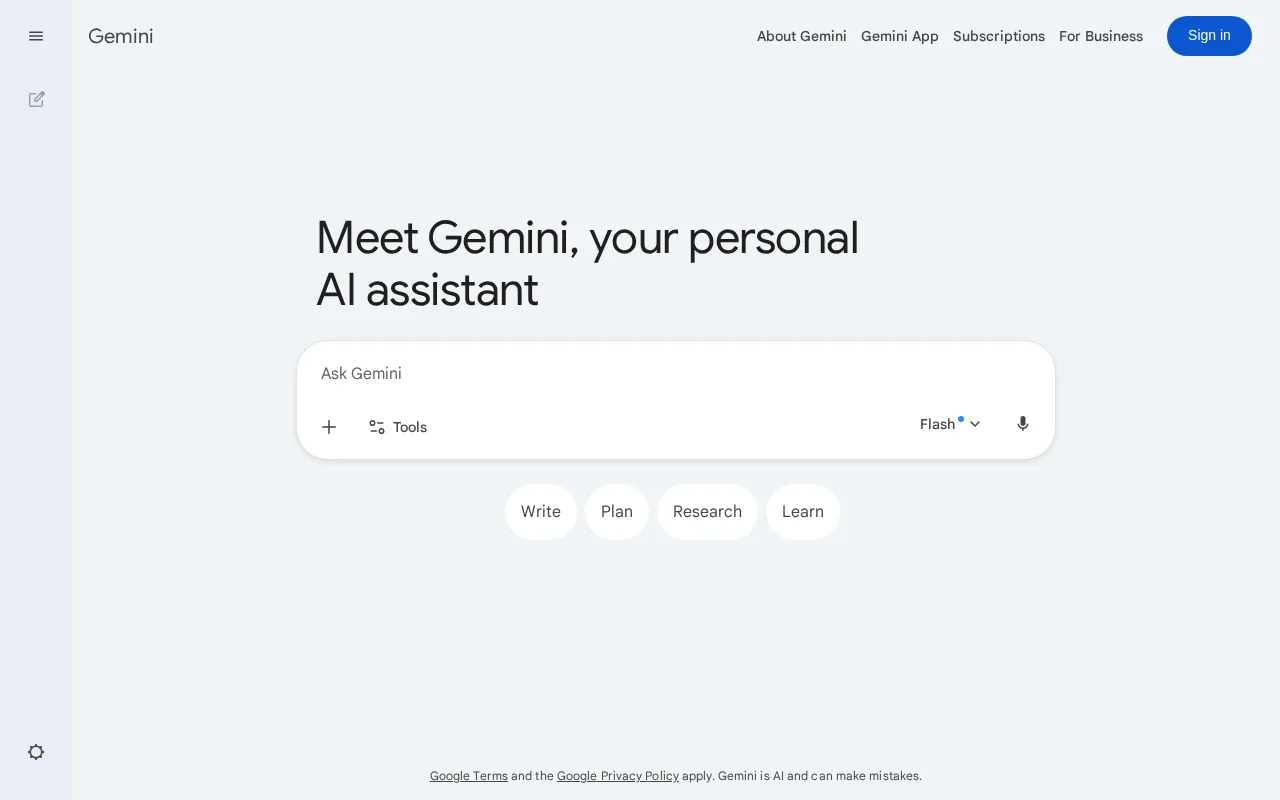
- Gemini is Google’s conversational AI platform for building chatbots and virtual assistants with natural, context-aware dialogue.
- How much does it cost?
- Gemini offers a freemium pricing model with a free tier; detailed paid pricing is not publicly disclosed.
- Does it have a free plan?
- Yes, Gemini provides a free tier suitable for individuals and initial experimentation.
- What integrations does it support?
- Gemini integrates deeply with Google services and APIs; other third-party integrations are limited or undocumented.
- Who is it best for?
- It is best suited for developers and teams building conversational AI solutions within the Google ecosystem.
- What is this tool?
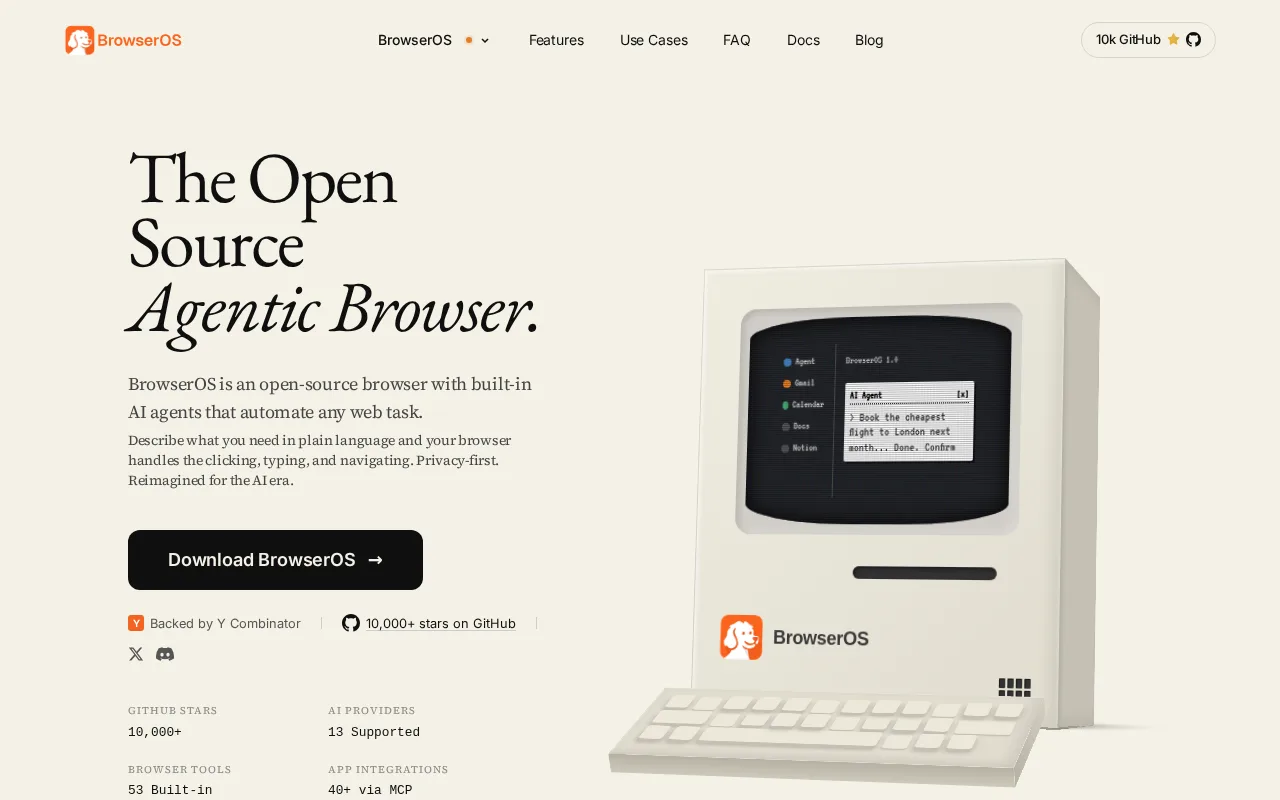
- BrowserOS is a cloud-based Linux desktop accessible via web browsers without installation.
- How much does it cost?
- BrowserOS offers a free tier and paid plans with enhanced resources; exact paid pricing is undisclosed.
- Does it have a free plan?
- Yes, there is a free plan providing basic Linux desktop access.
- What integrations does it support?
- BrowserOS does not currently offer public API or third-party integrations.
- Who is it best for?
- It is best for developers, educators, and teams needing quick Linux desktops without local setup.
Gemini AI, Google Gemini
—
| Info | Gemini | BrowserOS |
|---|---|---|
| Pricing | Freemium | Freemium |
| Launch Year | 2023 | — |
| Category | Multimodal AI (Text, Image, Audio & Video) | Natural Language Processing & Text AI |
| Deployment | Cloud | Cloud |
| Learning Curve | Intermediate | Intermediate |
| Free Plan | ✓ | ✓ |
| AI Agent | ✓ | ✗ |
| Autonomy | Assistant | Assistant |
| Risk Tier | Medium | Low |
| BYO API Key | ✗ | — |
| Local Models | ✗ | — |
| Fine-tuning | ✗ | — |
 Talon.One
 Barilliance
Gemini leads BrowserOS overall (6.3 vs 5). It scores higher on usability. The best choice depends on your specific workflow, team size, and budget.
ⓘ How Volvenix scores work
Scores are computed by Volvenix — not supplied by the vendors, and not third-party benchmark results. Each 0–10 dimension (Overall, Features, Usability, Support, Pricing) is a directional estimate aggregated from catalog signals — editorial cataloguing, content depth, engagement, and provider-reputation indicators — so treat them as a starting point, not a lab result.
Confidence reflects how complete the underlying data is for both tools; lower confidence means fewer signals were available, not a worse tool. We never accept payment for rankings or scores. More about how Volvenix works →