 Volvenix
Runway vs Descript
AI-enhanced independent comparison — features, pros, cons, pricing and rankings.
 ChatGPT
  Claude
  Gemini
  Midjourney
  DALL-E
  Stable Diffusion
  Notion AI
  Canva
Canva  Grammarly
  GitHub Copilot
  ElevenLabs
  Perplexity
  Runway
  Synthesia
  Fireflies.ai
  Hugging Face Hub
| Dimension | Runway | Descript |
|---|---|---|
| Accuracy & Reliability | ||
| Ease of Use | ||
| Features & Capability | ||
| Value for Money | ||
| Performance & Speed | ||
| Popularity & Adoption |
Who each tool serves best — and when to pick the other one.
Filmmakers, video editors, and content creators seeking an easy-to-use AI platform for image and video generation and editing.
- You want to generate images and videos from text prompts quickly in a browser.
- You need an all-in-one platform for creative video and image editing with AI.
- Your team creates multimedia content and values easy collaboration and access.
Users needing extensive free usage or those requiring offline/self-hosted solutions should consider alternatives.
- You require unlimited free usage without subscription limits or credits.
- You need a self-hosted or offline AI image/video generation solution.
- You want deep API integration or developer-focused customization options.
Browser-based AI multimedia generation and editing with text-to-video capabilities.
Podcasters, video creators, and content producers who want fast, intuitive editing by working with text transcripts.
- You want to edit audio/video by editing text transcripts quickly and easily
- You need a simple tool for podcast and video content creation without steep learning curves
- Your team requires collaborative editing with version control and screen recording
Users needing advanced audio engineering tools or highly detailed video editing should look elsewhere.
- You need professional-grade audio mixing and mastering features
- Free-tier limits are a blocker for your large-scale production needs
- You require deep video editing with advanced effects and transitions
Text-based editing of audio and video via transcripts is the core unique feature.
A canonical comparison across capabilities common to this category. Vendor-specific extras appear below in "Highlighted Features".
| Capability | Runway | Descript |
|---|---|---|
|
Free Tier Available
Usable without payment (with usage limits)
|
✓ | ✓ |
Each tool's marketing-listed features. Where a feature appears under one tool but not the other, it usually reflects how the vendor describes their product — not a definitive capability gap.
- Text-to-image generation — Generate images from text prompts
- Text-to-video generation — Create videos from text descriptions
- Video Editing — Edit videos with AI-assisted tools
- Collaboration Tools — Team collaboration features
- Cloud-Based Platform — Access via browser with no install
- Text-based editing — Edit audio and video by editing transcripts
- Overdub voice cloning — Create synthetic voiceovers from your voice
- Screen recording — Record your screen with audio for tutorials and presentations
- Filler word removal — Automatically remove filler words from audio
- Multi-track Editing — Edit multiple audio and video tracks simultaneously
- No installation required, fully browser-based
- Supports both image and video AI generation
- Intuitive interface tailored for creatives
- Includes text-to-video generation capabilities
- Flexible freemium pricing with paid upgrades
- Innovative text-based editing simplifies complex workflows
- Strong collaboration and screen recording features
- High-quality overdub voice cloning
- Cross-platform cloud access
- Good transcription accuracy
- Limited free tier usage and features
- No public API for integrations
- Limited advanced audio mixing and mastering features
- Video editing capabilities are basic compared to specialized editors
- No official mobile app for editing
- Creating AI-generated images for marketing
- Producing short AI-generated videos
- Editing video content with AI assistance
- Rapid prototyping of visual concepts
- Collaborative multimedia content creation
- Podcast editing and production
- Video content creation and editing
- Screen recording tutorials and demos
- Voiceover creation with overdub
- Collaborative media projects
The underlying AI models each tool runs on. Model details show on hover.
Natural languages each tool generates and understands. Primary languages are listed first.
What each tool can accept (input) and produce (output) — text, image, audio, video, code.
Runway offers a free tier with limited usage and paid subscription plans for expanded features and higher usage limits.
-
Free
Free -
Pro
popular
$20.00/mo -
Team
$30.00/mo
Descript offers a free plan with basic features and paid subscriptions for advanced tools and higher usage limits.
-
Free
Free -
Creator
popular
$12.00/mo -
Pro
$24.00/mo
Regulatory frameworks each tool claims compliance with (HIPAA, SOC 2, GDPR, etc.).
Third-party audits and certifications that verify security controls.
Vendor-published numbers each tool highlights — usage scale, breadth, and operational stats. Different tools track different metrics, so direct row-by-row comparison usually isn't meaningful.
- User base 100K+ users
- Transcription Hours Up to 20 hours/month on paid plans hours/month
Who each tool is positioned for — primary audience first.
How each tool is classified in the Volvenix catalog.
These vocabulary domains are managed in our catalog but not yet exposed at the tool level. We're tracking them for future expansion of this comparison.
- Encryption Types — AES-256, ChaCha20, RSA-2048, and similar at-rest/in-transit cipher families.
- Encryption Contexts — where encryption is applied (data at rest, in transit, end-to-end).
- Plan-tier Model Mapping — which AI models are available on which pricing tier (currently only the model list is tracked, not the per-plan availability).

- What is this tool?
- Runway is a browser-based AI platform for generating and editing images and videos from text prompts.
- How much does it cost?
- Runway offers a free tier with limited features and paid subscriptions starting at $20/month.
- Does it have a free plan?
- Yes, Runway provides a free plan with basic AI tools and limited usage.
- What integrations does it support?
- Runway primarily operates as a standalone cloud platform with no public API or third-party integrations.
- Who is it best for?
- It is best suited for filmmakers, video editors, and content creators needing AI-powered multimedia tools.
- What is this tool?
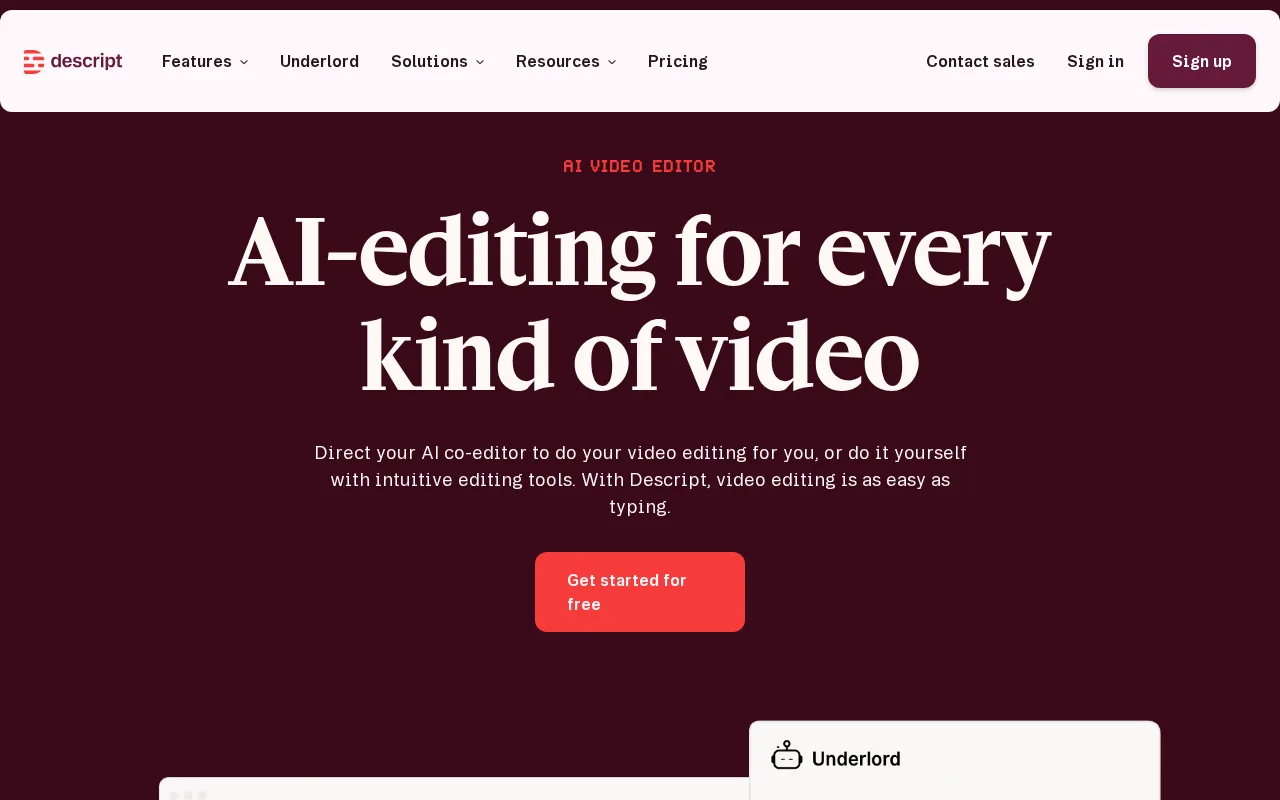
- Descript is a media editing platform that lets users edit audio and video by editing text transcripts.
- How much does it cost?
- Descript offers a free plan and paid subscriptions starting at $12/month with additional features.
- Does it have a free plan?
- Yes, Descript provides a free plan with limited transcription hours and basic editing tools.
- What integrations does it support?
- Descript integrates natively with Zoom and supports exporting to various audio/video formats.
- Who is it best for?
- It is best for podcasters, video creators, and teams seeking simple, transcript-based editing workflows.
| Info | Runway | Descript |
|---|---|---|
| Pricing | Freemium | Freemium |
| Category | AI Video Generation | Computer Vision & Image Recognition |
| Deployment | Cloud | Cloud |
| Learning Curve | Beginner | Beginner |
| Free Plan | ✓ | ✓ |
| AI Agent | ✗ | ✗ |
| Autonomy | Assistant | Copilot |
| Risk Tier | Low | Medium |
| BYO API Key | ✗ | — |
| Local Models | ✗ | — |
| Fine-tuning | ✗ | — |
 AssemblyAI
 Veed AI
 Cleanvoice AI
 DeepArtEffects
 Speechmatics
 LTX Studio
 Resemble AI
Runway and Descript both offer freemium pricing models but cater to different creative needs. Runway, with an overall score of 5.9/10, focuses on AI-powered video editing and visual effects, making it suitable for users seeking advanced video manipulation tools. Descript, scoring 5.6/10, emphasizes audio and video editing with features like transcription, screen recording, and podcast production, targeting content creators who prioritize easy editing and collaboration.
ⓘ How Volvenix scores work
Scores are computed by Volvenix — not supplied by the vendors, and not third-party benchmark results. Each 0–10 dimension (Overall, Features, Usability, Support, Pricing) is a directional estimate aggregated from catalog signals — editorial cataloguing, content depth, engagement, and provider-reputation indicators — so treat them as a starting point, not a lab result.
Confidence reflects how complete the underlying data is for both tools; lower confidence means fewer signals were available, not a worse tool. We never accept payment for rankings or scores. More about how Volvenix works →