 Volvenix
DataKitchen vs Toloka
AI-enhanced independent comparison — features, pros, cons, pricing and rankings.
 ChatGPT
 Claude
 Gemini
 Midjourney
 DALL-E
 Stable Diffusion
 Notion AI
 Canva
 Grammarly
 GitHub Copilot
 ElevenLabs
 Perplexity
 Runway
 Synthesia
 Fireflies.ai
 Hugging Face Hub


| Dimension | DataKitchen | Toloka |
|---|---|---|
| Accuracy & Reliability | ||
| Ease of Use | ||
| Features & Capability | ||
| Value for Money | ||
| Performance & Speed | ||
| Popularity & Adoption |
Who each tool serves best — and when to pick the other one.
Ideal for large enterprises with dedicated data engineering and analytics teams requiring robust pipeline automation.
- You need to automate complex data pipelines efficiently.
- You want to ensure governance and compliance in data handling.
- Your team requires collaboration tools for data engineering.
Not suitable for small teams or individuals who need simpler, more cost-effective solutions.
- You need a simple solution for small-scale data tasks.
- Free-tier limits are a blocker for your data needs.
- You require extensive customization that this tool doesn't offer.
The need for comprehensive governance and collaboration in data pipeline management.
ML teams and researchers requiring scalable, high-quality data annotation with human-in-the-loop quality assurance.
- You need to annotate large datasets with diverse data types efficiently and reliably.
- You want to leverage human insights combined with automated quality checks for data labeling.
- Your team requires scalable annotation workflows supported by a global crowd workforce.
Users needing free-tier solutions, immediate plug-and-play integrations, or those with very small annotation volumes.
- You need a free annotation tool with no upfront costs or commitments.
- Free-tier limits are a blocker for your small-scale or experimental projects.
- You require extensive native integrations with other SaaS tools out of the box.
The ability to combine a large crowd workforce with automated quality control for reliable data labeling.
A canonical comparison across capabilities common to this category. Vendor-specific extras appear below in "Highlighted Features".
| Capability | DataKitchen | Toloka |
|---|---|---|
|
API Access
Programmatic access via documented API
|
— | ✓ |
Each tool's marketing-listed features. Where a feature appears under one tool but not the other, it usually reflects how the vendor describes their product — not a definitive capability gap.
- Pipeline Automation — Automate data workflows seamlessly
- Governance Tools — Ensure compliance and control
- Collaboration Features — Enhance teamwork in data projects
- DataOps Integration — Supports DataOps methodologies
- Scalability — Designed for enterprise-level scaling
- Crowd Workforce — Access to a global crowd for diverse annotation tasks
- Automated Quality Control — Built-in mechanisms to ensure annotation accuracy
- Multi-format Annotation — Supports text, image, audio, and video data annotation
- Task management — Tools to create, manage, and monitor annotation tasks
- Robust automation features for data pipelines
- Excellent governance and compliance tools
- Facilitates collaboration among teams
- Scalable for enterprise-level needs
- User-friendly interface for complex tasks
- Large and diverse crowd workforce for varied annotation needs
- Automated quality control mechanisms to improve data accuracy
- Flexible platform supporting multiple data types and tasks
- Suitable for researchers and ML teams requiring scalable annotation
- Comprehensive documentation and community support
- High cost may deter smaller organizations
- Complexity may require training for effective use
- Limited integrations with smaller tools
- Pricing is not publicly detailed, making budgeting difficult
- Limited native integrations with other SaaS or ML tools
- No free plan or trial available for initial evaluation
- Automating data ingestion processes
- Ensuring compliance in data handling
- Facilitating team collaboration on data projects
- Managing complex data workflows
- Training data annotation for machine learning models
- Data labeling for natural language processing tasks
- Image and video annotation for computer vision projects
- Quality evaluation of AI-generated outputs
- Crowdsourced data collection and validation
Natural languages each tool generates and understands. Primary languages are listed first.
What each tool can accept (input) and produce (output) — text, image, audio, video, code.
Pricing is tailored for enterprise needs, with costs available upon request.
-
Enterprise (Custom)
Custom pricing
Pricing is usage-based and paid, with costs depending on task complexity and volume; no public fixed tiers available.
-
Basic
$50.00/mo -
Pro
popular
$100.00/mo
Regulatory frameworks each tool claims compliance with (HIPAA, SOC 2, GDPR, etc.).
Languages, frameworks, databases, and infrastructure each tool is built on. Mostly relevant for self-hosted or open-source tools.
Stack not disclosed.
Who each tool is positioned for — primary audience first.
How you can reach support — email, live chat, phone, community, docs.
- Email primary
- Documentation primary visit ↗
How each tool is classified in the Volvenix catalog.
These vocabulary domains are managed in our catalog but not yet exposed at the tool level. We're tracking them for future expansion of this comparison.
- Encryption Types — AES-256, ChaCha20, RSA-2048, and similar at-rest/in-transit cipher families.
- Encryption Contexts — where encryption is applied (data at rest, in transit, end-to-end).
- Plan-tier Model Mapping — which AI models are available on which pricing tier (currently only the model list is tracked, not the per-plan availability).
- What is this tool?
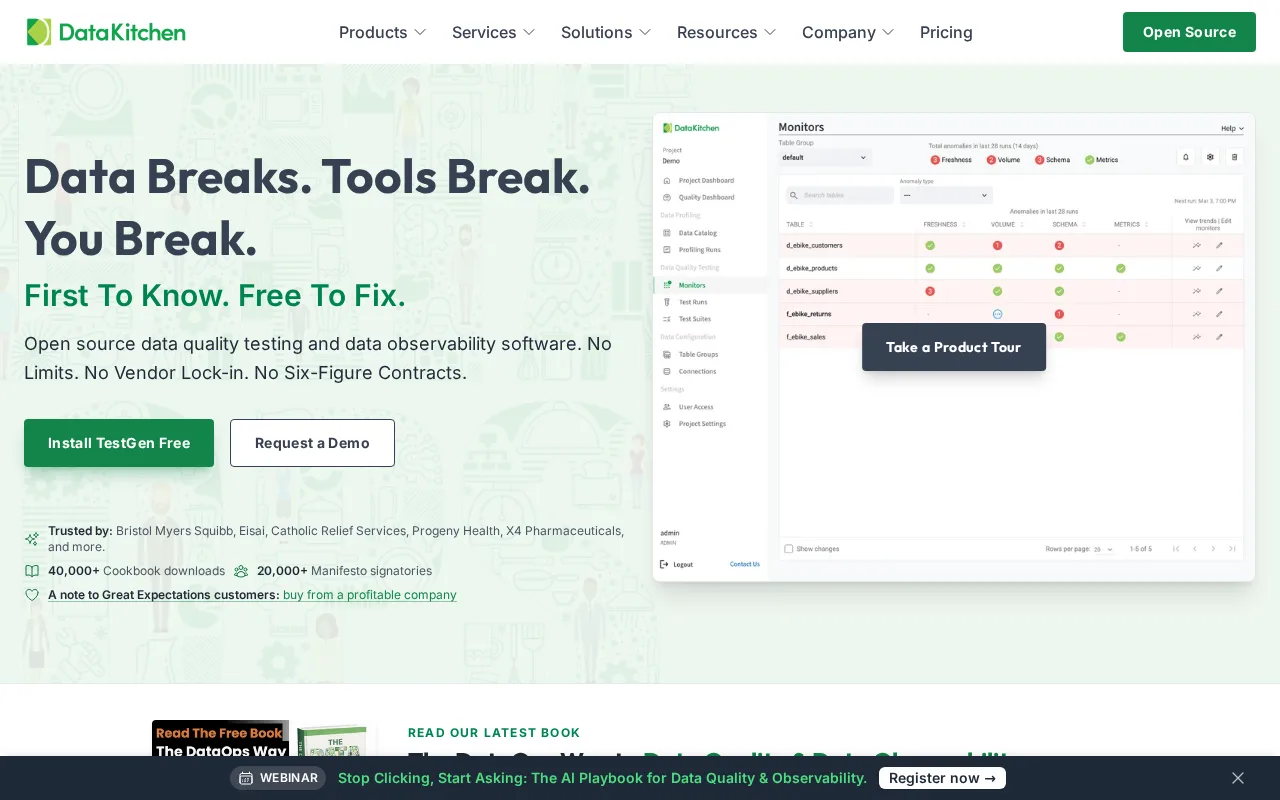
- DataKitchen automates and governs data pipelines for enterprises.
- How much does it cost?
- Pricing is customized for enterprise needs.
- Does it have a free plan?
- No, there is no free plan available.
- What integrations does it support?
- Integrations are primarily for enterprise tools.
- Who is it best for?
- Best suited for large enterprises with complex data needs.
- What is this tool?
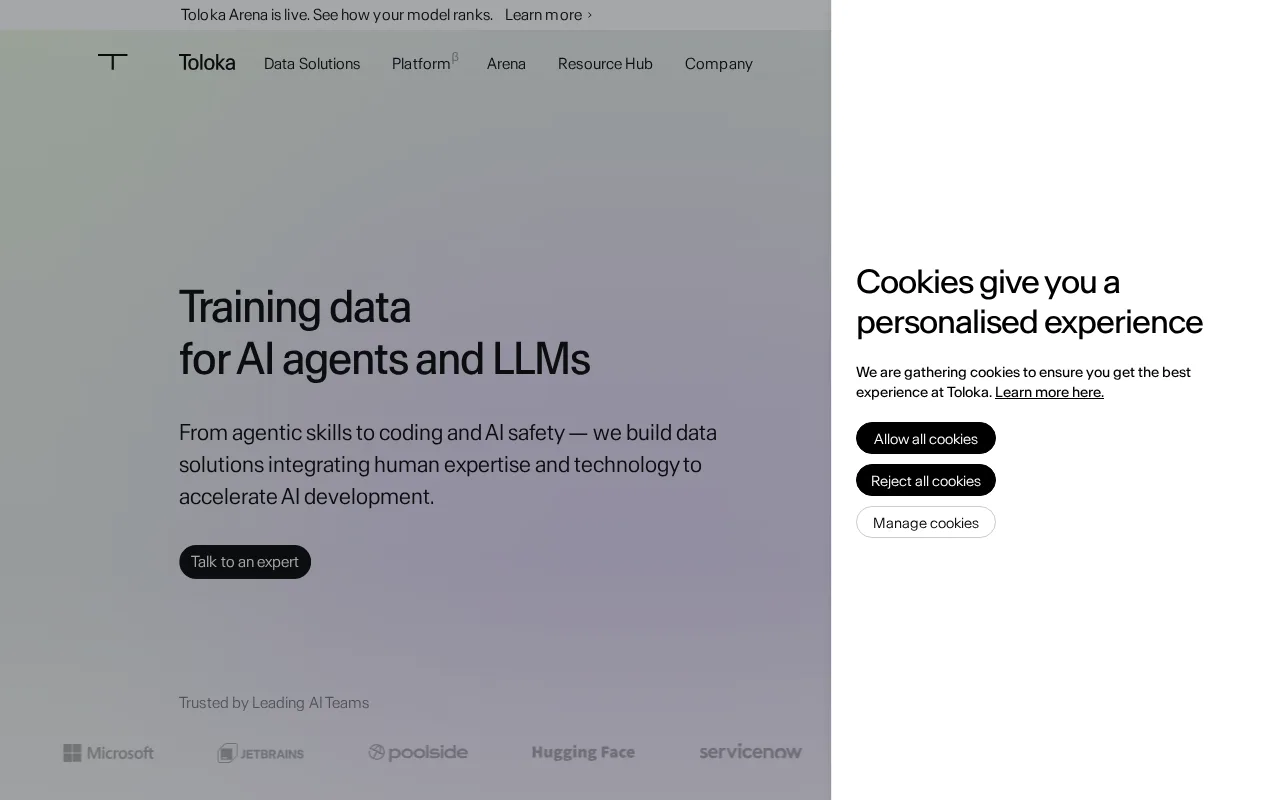
- Toloka is a platform for scalable data annotation using a global crowd combined with automated quality control.
- How much does it cost?
- Pricing is usage-based and paid, with costs varying by task complexity and volume; no fixed public pricing tiers.
- Does it have a free plan?
- No, Toloka does not offer a free plan or trial for new users.
- What integrations does it support?
- Toloka has limited native integrations; API access is not publicly documented.
- Who is it best for?
- It is best suited for ML teams and researchers needing scalable, high-quality data annotation.
| Info | DataKitchen | Toloka |
|---|---|---|
| Pricing | Enterprise | Paid |
| Category | AI Agents & Automation | Data Labeling & Annotation |
| Deployment | Cloud | Cloud |
| Learning Curve | Advanced | Intermediate |
| Free Plan | ✗ | ✗ |
| AI Agent | ✗ | ✗ |
| Autonomy | Agent | Assistant |
| Risk Tier | High | Medium |
 Relay.app
 Scale AI
 Hugging Face Spaces
 Guardrails AI
 Make
 Arthur AI
 Automata AI
DataKitchen (5.3) and Toloka (5.3) score within our confidence interval — treat this as a tie for practical purposes. Toloka leads on pricing; DataKitchen leads on features; Toloka leads on support. Pick based on the specific dimensions that matter to your workflow.
ⓘ How Volvenix scores work
Scores are computed by Volvenix — not supplied by the vendors, and not third-party benchmark results. Each 0–10 dimension (Overall, Features, Usability, Support, Pricing) is a directional estimate aggregated from catalog signals — editorial cataloguing, content depth, engagement, and provider-reputation indicators — so treat them as a starting point, not a lab result.
Confidence reflects how complete the underlying data is for both tools; lower confidence means fewer signals were available, not a worse tool. We never accept payment for rankings or scores. More about how Volvenix works →