 Volvenix
Haptik vs ChatPDF
AI-enhanced independent comparison — features, pros, cons, pricing and rankings.
 ChatGPT
  Claude
  Gemini
  Midjourney
  DALL-E
  Stable Diffusion
  Notion AI
  Canva
Canva  Grammarly
  GitHub Copilot
  ElevenLabs
  Perplexity
  Runway
  Synthesia
  Fireflies.ai
  Hugging Face Hub
Who each tool serves best — and when to pick the other one.
Enterprises and mid-sized teams aiming to automate customer support with scalable, multi-channel chatbots.
- You need to automate customer support across multiple communication channels efficiently.
- You want a low-code platform to build conversational AI without deep technical expertise.
- Your team requires multi-language support and enterprise-grade scalability.
Small businesses or individuals with limited budgets or those needing simple chatbot solutions without advanced features.
- You need a simple chatbot solution with minimal setup and low cost.
- Free-tier limits are a blocker for your initial experimentation or small-scale use.
- You require open-source or fully customizable AI models.
The platform’s ability to scale conversational AI deployments across multiple channels and languages.
Individuals or small teams needing fast, conversational access to PDF content without complex setup.
- You want to quickly extract information from PDFs via chat without manual searching
- You need an easy-to-use tool for students or professionals to understand documents fast
- Your team requires a lightweight solution for PDF content interaction without heavy setup
Users requiring deep integrations, extensive collaboration features, or enterprise-grade security should look elsewhere.
- You need enterprise-level security and compliance features for document handling
- Free-tier limits are a blocker for your high-volume or heavy usage needs
- You require deep integrations with other SaaS or workflow automation platforms
How important is quick, conversational PDF querying without complex integrations?
A canonical comparison across capabilities common to this category. Vendor-specific extras appear below in "Highlighted Features".
| Capability | Haptik | ChatPDF |
|---|---|---|
|
Free Tier Available
Usable without payment (with usage limits)
|
✓ | ✓ |
Each tool's marketing-listed features. Where a feature appears under one tool but not the other, it usually reflects how the vendor describes their product — not a definitive capability gap.
- Multi-Channel Support — Deploy chatbots across web, mobile, and messaging platforms
- Low-code Builder — Visual interface for chatbot creation without coding
- Multi-language NLP — Supports natural language processing in multiple languages
- Analytics Dashboard — Monitor chatbot performance and user interactions
- Integrations — Connect with CRM and other enterprise tools
- PDF Upload — Users can upload PDF documents for chat interaction
- Conversational Chat Interface — Interactive chat to query PDF content
- Multi-page PDF Support — Supports PDFs with multiple pages
- Advanced analytics — Detailed document analytics and insights
- Team collaboration — Shared workspace for teams
- Multi-channel conversational AI support
- User-friendly low-code platform
- Supports multiple languages
- Enterprise scalability
- Strong customer support automation focus
- Easy-to-use conversational interface
- Quickly extracts PDF content
- No installation needed, browser-based
- Free tier available for casual use
- Good for educational and professional use
- Limited features on free plan
- No public API documentation available
- May be complex for small businesses
- No public API for integrations
- Limited collaboration and team features
- Free plan usage limits may restrict heavy users
- Customer support automation
- Lead generation and qualification
- Order tracking and status updates
- Appointment scheduling
- FAQ automation
- Student research and study aid
- Professional document review
- Quick extraction of PDF data
- Legal document analysis
- Business report summarization
Natural languages each tool generates and understands. Primary languages are listed first.
What each tool can accept (input) and produce (output) — text, image, audio, video, code.
Offers a free plan with basic features; paid plans unlock advanced capabilities and higher usage limits.
-
Free
Free
Offers a free tier with basic PDF chat features and paid plans for enhanced usage and capabilities.
-
Free
Free
Third-party audits and certifications that verify security controls.
No certifications listed.
Who each tool is positioned for — primary audience first.
How you can reach support — email, live chat, phone, community, docs.
- Documentation primary
- Documentation primary
How each tool is classified in the Volvenix catalog.
These vocabulary domains are managed in our catalog but not yet exposed at the tool level. We're tracking them for future expansion of this comparison.
- Encryption Types — AES-256, ChaCha20, RSA-2048, and similar at-rest/in-transit cipher families.
- Encryption Contexts — where encryption is applied (data at rest, in transit, end-to-end).
- Plan-tier Model Mapping — which AI models are available on which pricing tier (currently only the model list is tracked, not the per-plan availability).
- What is this tool?
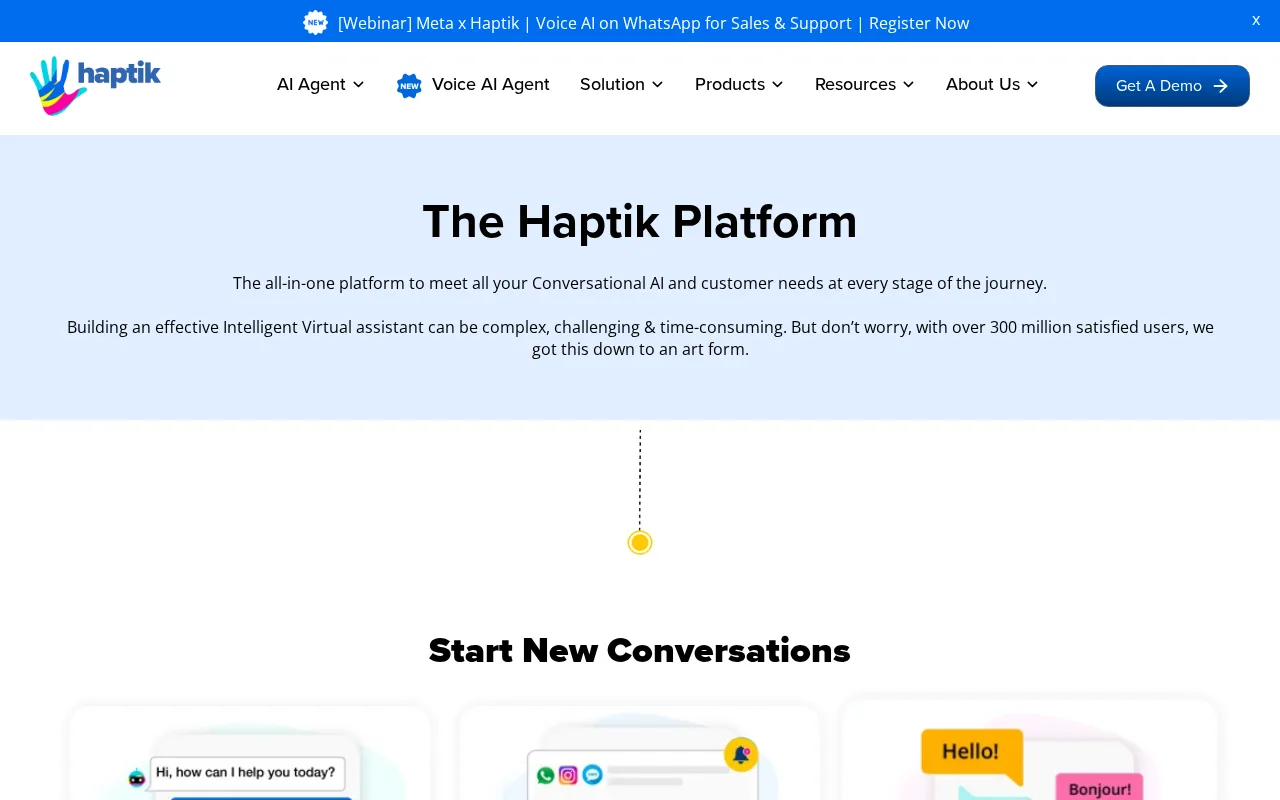
- Haptik is a platform for building and deploying AI-powered chatbots to automate customer interactions.
- How much does it cost?
- Haptik offers a free plan with basic features; advanced capabilities require paid plans.
- Does it have a free plan?
- Yes, there is a free plan available with limited features.
- What integrations does it support?
- Haptik supports integrations with CRM and enterprise tools, primarily on paid plans.
- Who is it best for?
- It is best suited for enterprises and mid-sized teams automating customer support with chatbots.
- What is this tool?
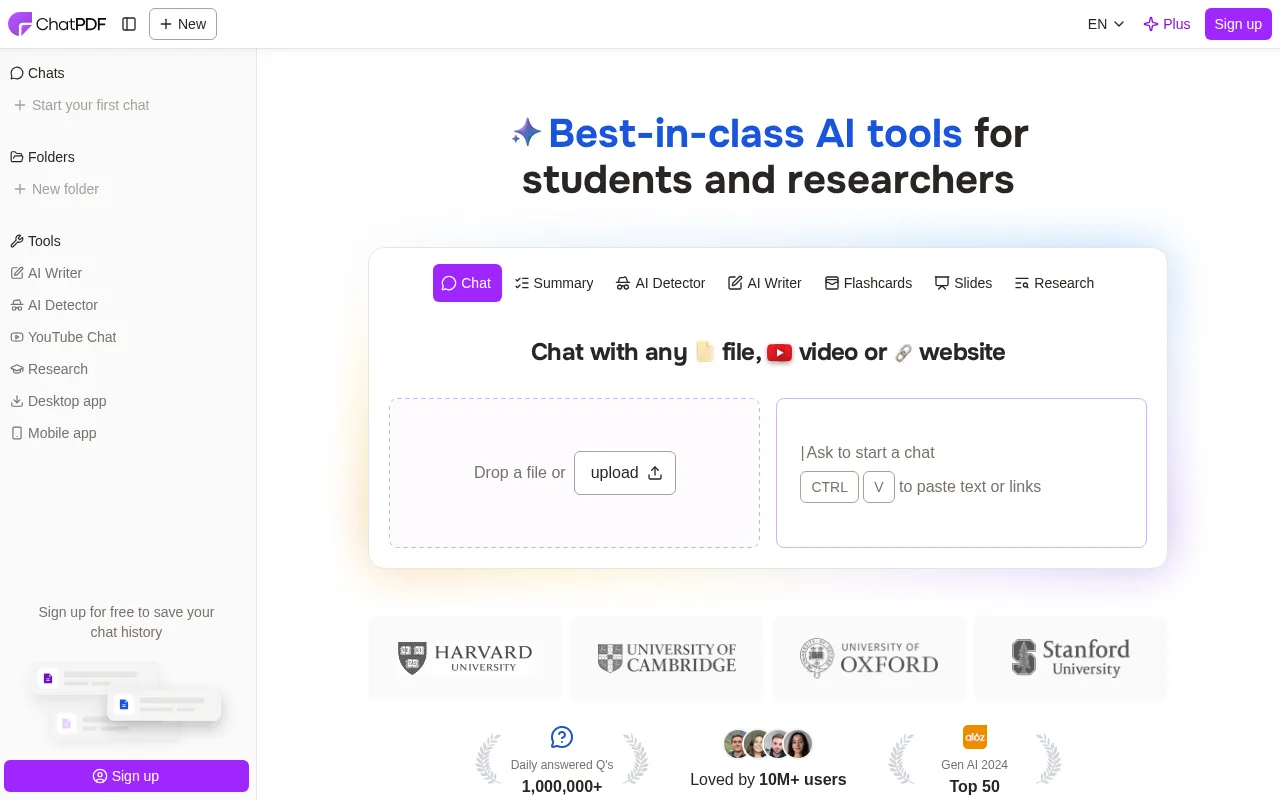
- ChatPDF lets users upload PDFs and interactively chat to extract and understand document content.
- How much does it cost?
- ChatPDF offers a free tier with basic features; paid plans unlock additional usage and capabilities.
- Does it have a free plan?
- Yes, ChatPDF provides a free plan suitable for individual users with basic PDF chat features.
- What integrations does it support?
- ChatPDF does not currently offer public API or third-party integrations.
- Who is it best for?
- It is best for students and professionals needing quick, conversational access to PDF content.
| Info | Haptik | ChatPDF |
|---|---|---|
| Pricing | Freemium | Freemium |
| Category | AI Agents & Automation | AI Agents & Automation |
| Deployment | Cloud | Cloud |
| Learning Curve | Intermediate | Beginner |
| Free Plan | ✓ | ✓ |
| AI Agent | ✓ | ✓ |
| Autonomy | Assistant | Assistant |
| Risk Tier | Low | Low |
 Replika
 Meya
Meya Voiceflow
ChatPDF has an overall score of 4.9/10 and offers a freemium pricing model, primarily focusing on converting and interacting with PDF documents through AI-driven chat. Haptik scores slightly higher at 5.5/10, also with a freemium pricing structure, and is designed as a conversational AI platform for customer support and engagement across multiple channels. While ChatPDF is specialized in document-based interactions, Haptik provides broader chatbot solutions for businesses aiming to automate customer service and improve user experience.
ⓘ How Volvenix scores work
Scores are computed by Volvenix — not supplied by the vendors, and not third-party benchmark results. Each 0–10 dimension (Overall, Features, Usability, Support, Pricing) is a directional estimate aggregated from catalog signals — editorial cataloguing, content depth, engagement, and provider-reputation indicators — so treat them as a starting point, not a lab result.
Confidence reflects how complete the underlying data is for both tools; lower confidence means fewer signals were available, not a worse tool. We never accept payment for rankings or scores. More about how Volvenix works →